

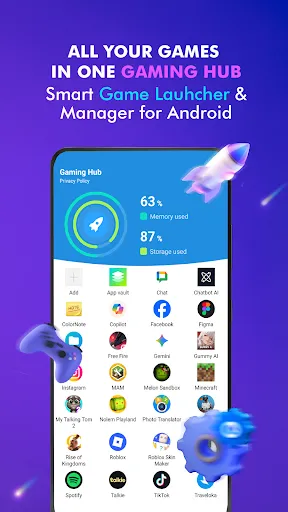

Welcome to Game Launcher: Gaming Hub App - the ultimate solution for simplifying the management of your apps and games on your Android device. Tired of the clutter and hassle of searching for your favorite apps? Look no further! Our game launcher provides a user-friendly interface designed to keep all your favorite apps in one place, making app management a breeze.
Key Features:
- Android Game Launcher: Easily manage your favorite games and apps with our Game Launcher.
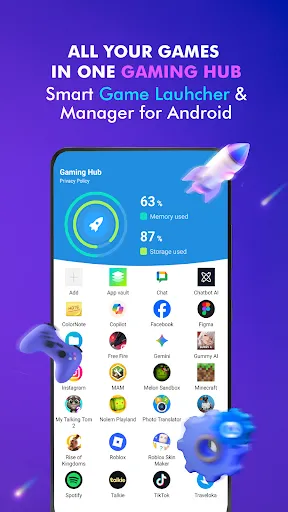
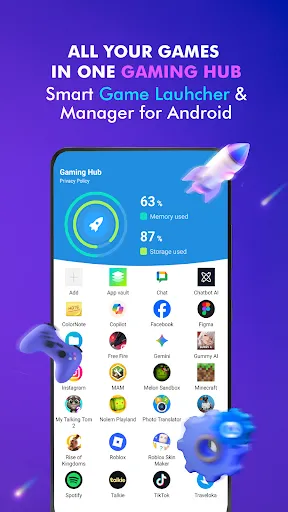
- Gaming Hub: All your games and apps are centralized in one place for easy management and access.
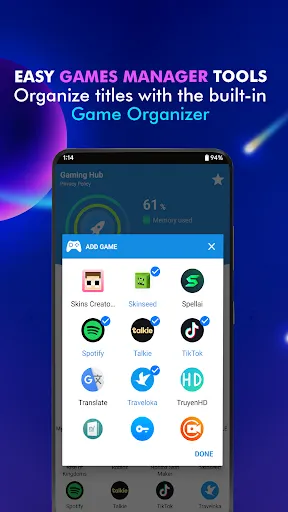
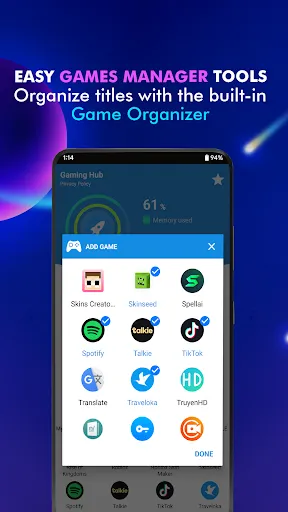
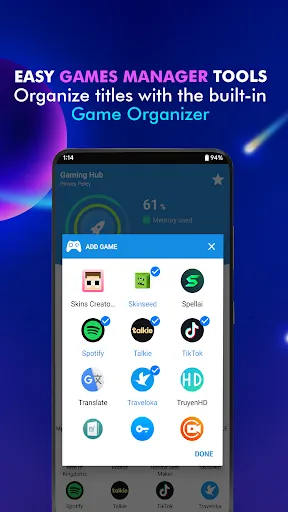
- App Organization: Automatically detect and add popular games from renowned publishers with our Organizer Master, or manually add apps you love.
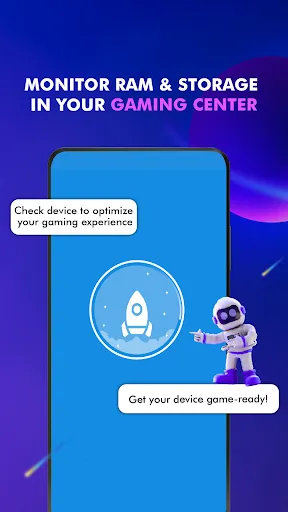
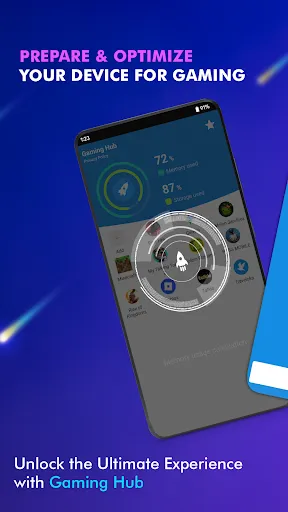
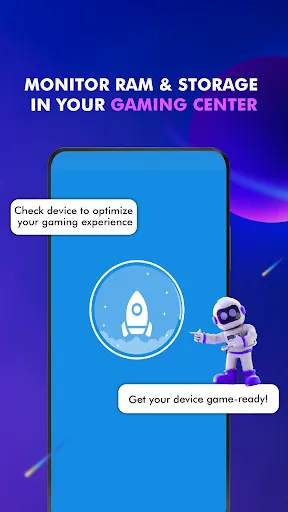
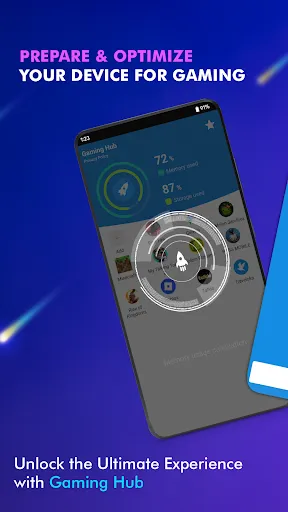
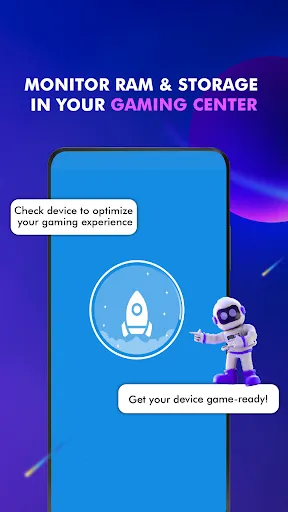
- Performance Monitoring: Monitor RAM usage and track device storage to optimize your gaming experience.
- Smartphone Gaming Center: Use the Launcher feature to quickly and easily launch your apps.
User Notice:
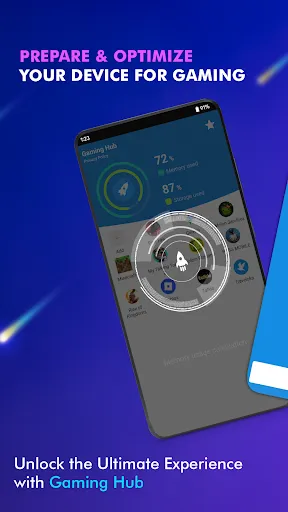
Game Launcher: Gaming Hub App acts as an all-in-one management center, helping to launch and provide valuable information on storage, RAM, and device performance. It focuses on providing a user-friendly app launcher tool but is not designed as a game booster. It does not directly improve performance or increase FPS for your games, nor does it claim to do so.
How to Use:
1. Open the Gaming Hub App.
2. Add your favorite games or apps to the library if they are not already there.
3. Tap on a game or app through the Game Launcher, and our features will activate before launching.
Experience the convenience and simplicity of Game Launcher: Gaming Hub App - your comprehensive game and app manager!