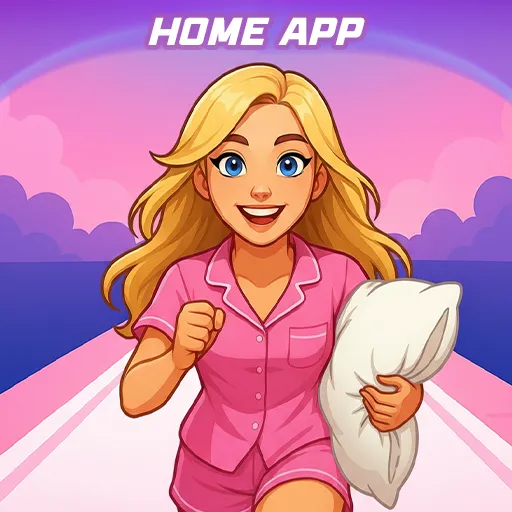
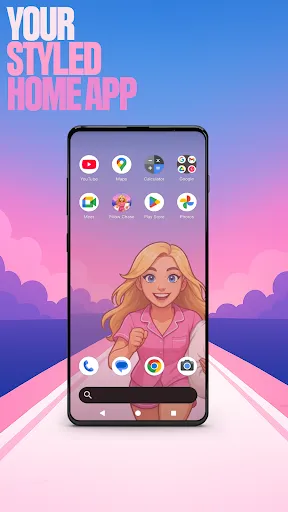

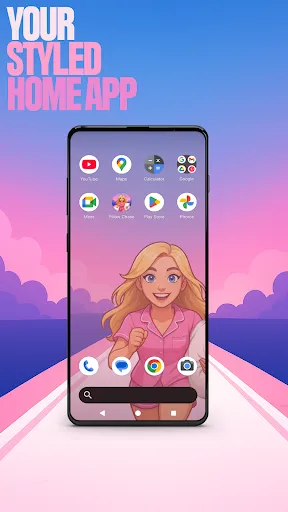

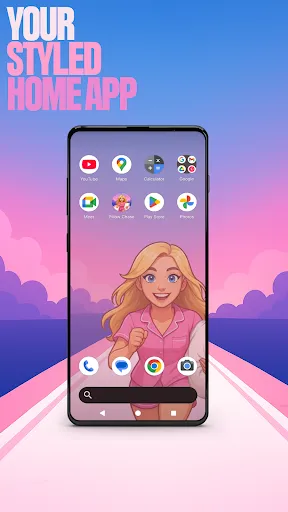

Welcome to Pillow Chase Home App!
This launcher app lets you create a home screen that feels completely your own for a personal touch. You can fully customize the home screen layout, create folders, and choose colors. With a fresh style, it’s a launcher that keeps things exciting from the moment you start using it.
You can pick this app as the default choice via the "Default home app" setting to use this as your day-to-day launcher. You can switch back to your previous launcher anytime you choose.
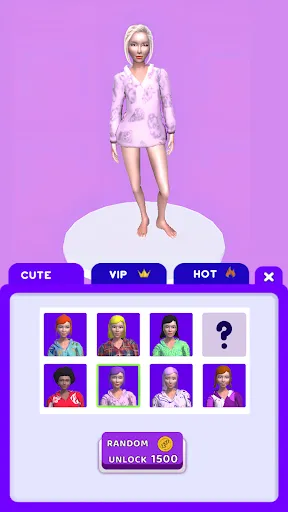
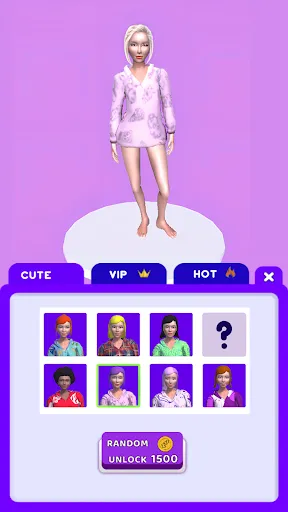
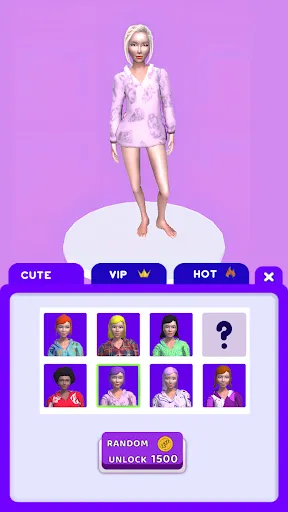
⚡ Jump into the Pillow Chase Game! ⚡
Run, dodge, and race your way to sweet dreams in Pillow Chase! Collect pillows, leap over alarm clocks, and avoid coffee cups that slow you down. It’s fast, funny, and full of surprises, the perfect game for quick breaks and endless fun.
Open via the game icon on your home screen.
🌙 Pillow Chase Home App Features: 🌙
The features listed below are available via your home screen. Long-press an empty area on your home screen to open the pop-up menu.
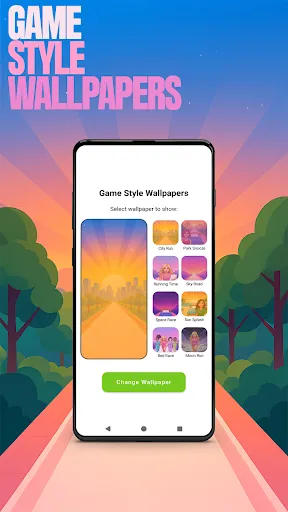
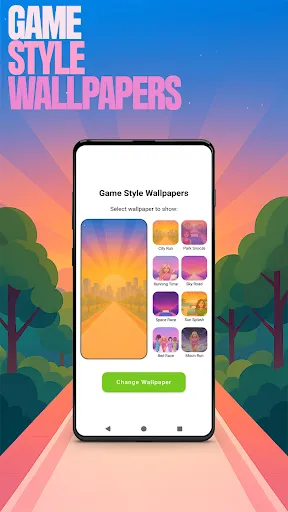
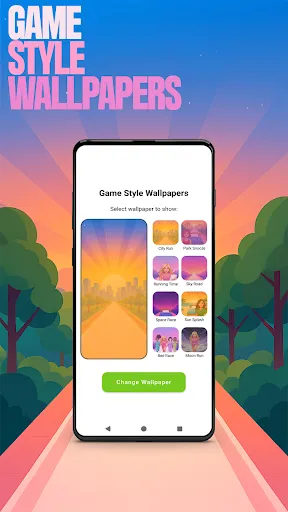
✅ Game Style Wallpapers – Add unique wallpapers inspired by the Pillow Chase game.
Long-press on home screen -> click "Game Style Wallpapers".
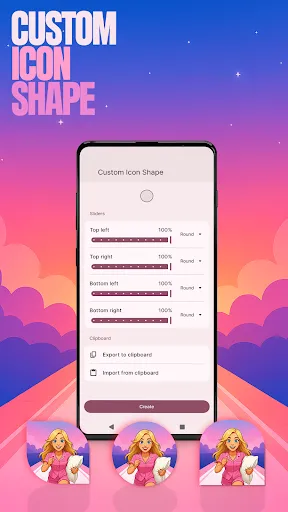
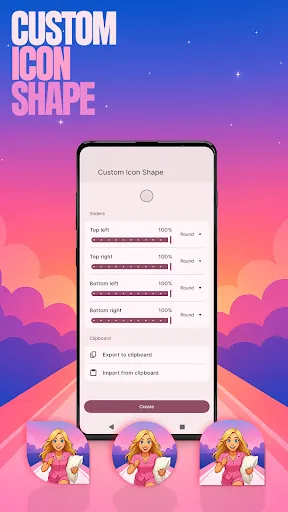
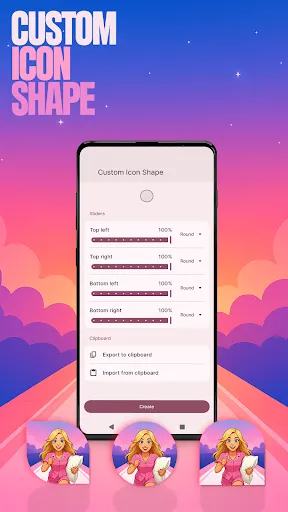
✅ Custom Icon Shape – Personalize your device with fun icon shapes and custom icon looks.
Long-press on home screen -> click "Custom Icon Shape".
✅ Custom Gestures – Swipe or tap to quickly open an app, settings or app drawer.
Long-press on home screen -> click "Home settings" -> Gestures.
✅ Hide Apps – Keep your private apps invisible while staying fully in control.
Long-press on home screen -> click "Home settings" -> "App drawer" -> "Hidden apps".
✅ Accent Color – Customize your home app colors. Use presets or create your own device style.
Long-press on home screen -> click "Home settings" -> General -> "Accent color".
Note: When using this home app, your home screen’s layout may be changed. You can customize the layout as you wish. Your previous home’s layout is not affected once you switch back.