Square Point of Sale: Payment

  • 4.62RATINGS
  • 1M+DOWNLOADS
  • EveryoneAGE
Square Point of Sale: Payment screenshot
Square Point of Sale (POS) is the all-in-one payments processing app designed for any business. Whether you’re a retail, a restaurant, or a service business, you’ll have all the features you need to run your business at your fingertips.

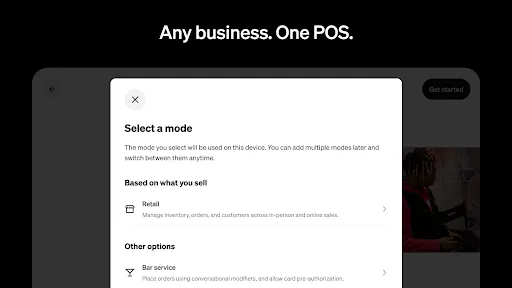
Select from multiple modes tailored to your industry to simplify business operations, to deliver exceptional customer experiences, and to boost your bottom line.

Take any payment
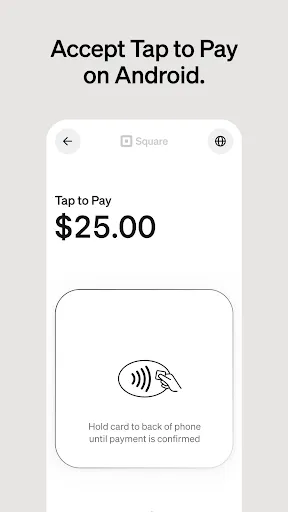
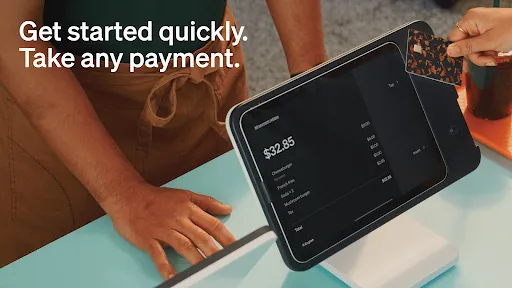
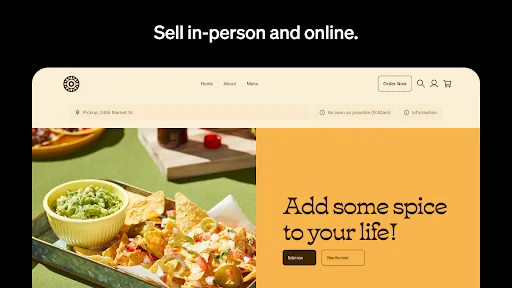
Accept payments in person, online, or over the phone. Let customers pay with all major credit cards, debit cards, cash, digital wallets, QR codes, payment links, Cash App Pay, Tap to Pay, and gift cards.

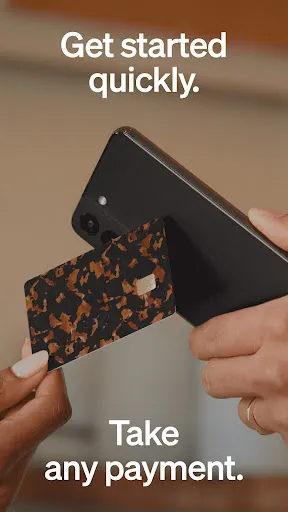
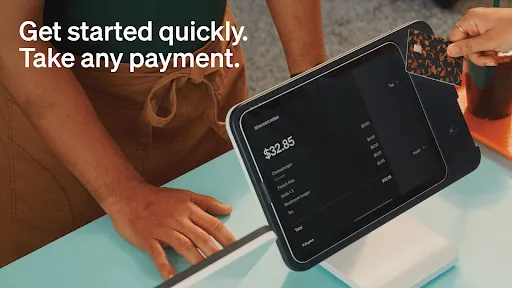
Get started quickly
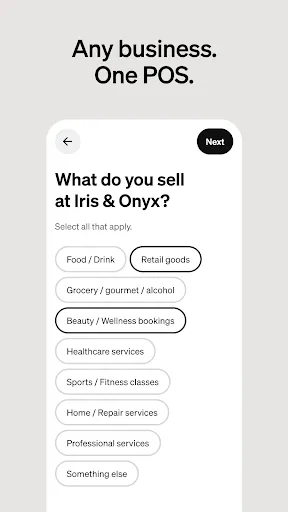
Whether you’re a new business or looking to switch your point of sale system, we make it fast and easy to get started. Receive recommendations for a POS solution that aligns with your business needs, ensuring you’re equipped with the right set of tools from the start.

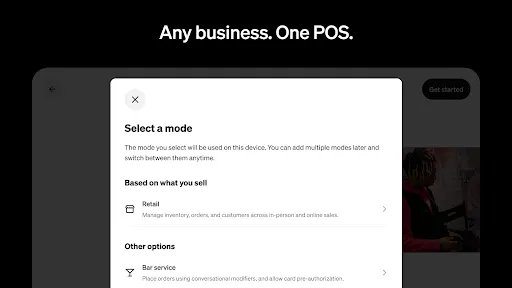
Choose your mode
Access multiple POS modes equipped with unique settings, features, and functionalities for different business needs.

•For all businesses:
- Set up quickly and accept flexible payment methods with a free point-of-sale system
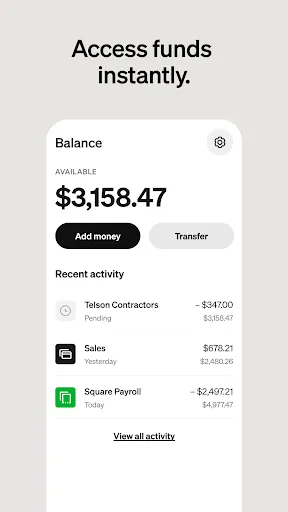
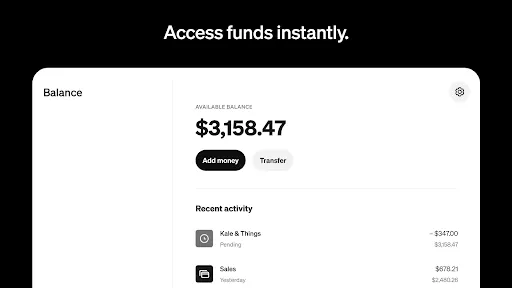
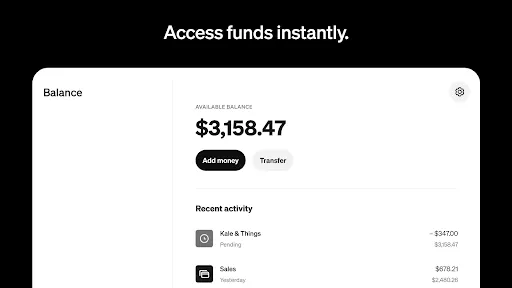
- Process transactions offline, offer preset tip amounts, and transfer funds instantly (or in 1–2 business days for free)
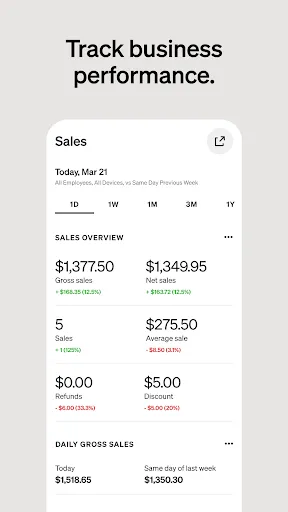
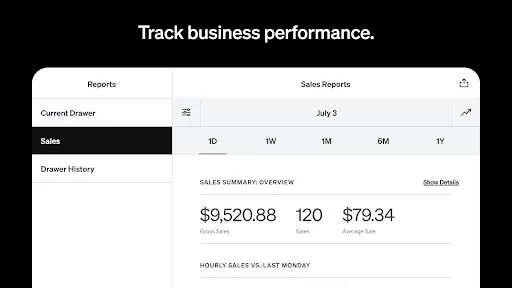
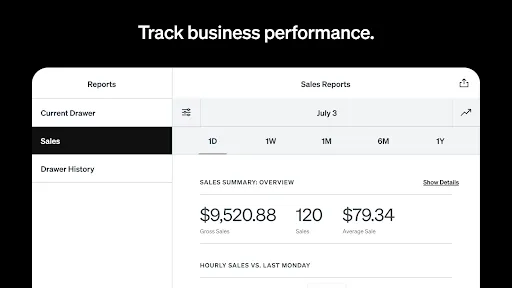
- Review daily sales, payment methods, and itemized details to make informed decisions in Dashboard

•For retail:
- Get real-time stock updates, low-stock alerts, and automated restocking
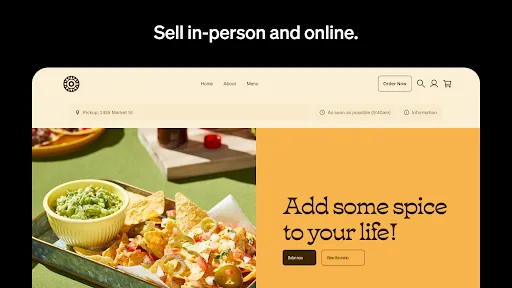
- Sync your online and in-store inventory with Square Online
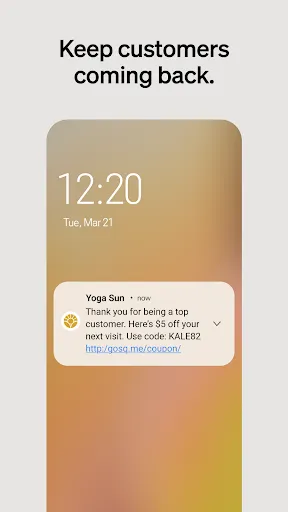
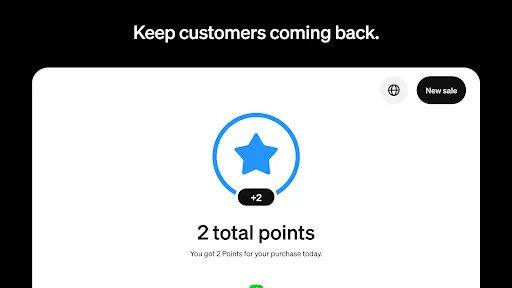
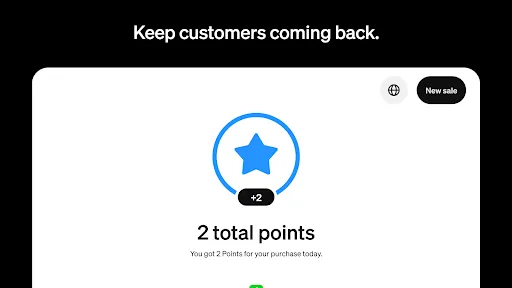
- Build detailed profiles to enhance customer engagement and loyalty

•For beauty:
- Offer customers a convenient way to book appointments 24/7
- Secure prepayments and enforce cancellation policies to protect your time
- Reduce no-shows with mobile SMS or email reservation reminders

•For restaurants:
- Enter orders quickly to keep your line moving
- Create items and modifiers with just a few clicks
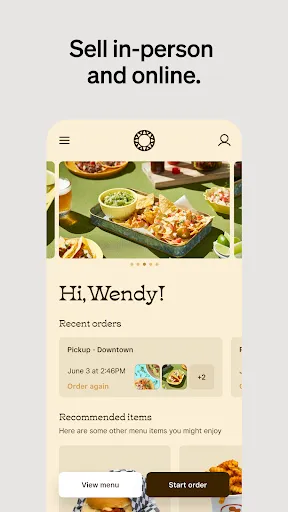
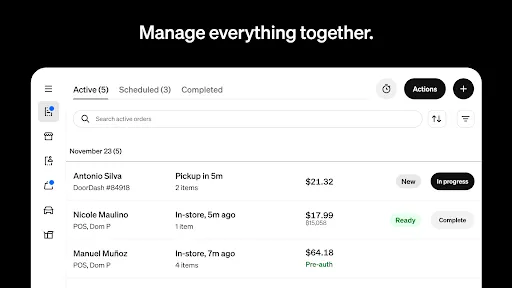
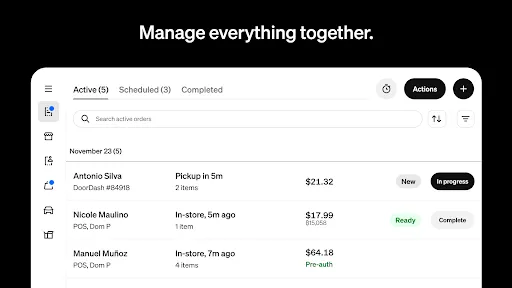
- Manage all your orders in one place, whether for here or to go

•For services:
- Send professional invoices or detailed estimates via email, SMS, or shareable links
- Secure commitments with e-signatures for better customer and business protection
- Track progress and store essential files in one centralized place

Download the Square Point of Sale today and explore how Square can grow with you — from fostering customer relationships and managing staff to accessing advanced reporting and offering integrated banking solutions.

Disclosure: Some features are only available in the United States.

Square Bitcoin is not offered to NY Sellers or non-US Sellers. Availability subject to change and regulatory approval. Bitcoin’s value is volatile and can change quickly. Bitcoin transactions are irreversible and may experience occasional delays or payment failures. Bitcoin services are provided by Block, Inc., licensed where required. Block, Inc. operates in NY as Block of Delaware and is licensed to engage in virtual currency business activity by the NYDFS.

Need more assistance? Reach Square Support at 1-855-700-6000 or contact us by mail at Block, Inc., 1955 Broadway, Suite 600, Oakland, CA 94612.

Frequently asked questions

If you're an Android user and don't download the app from the official Google Play Store, you may find the installation process more complicated than usual.

But we are delighted to inform you that you don't need to worry. To ensure you could install this app smoothly, we have written and uploaded a detailed tutorial. It would guide you on installing an app after downloading it from our website step by step, with the help of pictures.

You may find this helpful article on the downloading site, or visit How to install APK/XAPK files on Android.

If you need further help, please do not hesitate to contact us via email [email protected].

We fully understand your concern about safety. We agree that one person wouldn't be too careful in the cyber world. Meanwhile, we are happy to tell you that one of our priorities is to provide our users with safe app files that they can use without any worries.

We guarantee that all the app files we provided originate from official and reliable sources. We promise that they do not contain any malware that will harm your hardware or the safety of your privacy.

We are glad to let you know that the vast majority of apps on our website are available for free download. Only a small selection of apps require payment, and their prices are set solely by the respective developers—we simply provide an official and secure download platform.

Rest assured, whether an app is free or paid, every download link on our site is verified and completely safe. You can download with confidence, and no account registration is needed—just click the download button and you're all set!

Recently we received a lot of emails from our users, which said they couldn't log in for different reasons, such as "forgot the user name or password" or "had a new phone." We are willing to help you out. Please read the notes below to see what we can do.

To answer this question, please first let us know which account you're referring to.

If you're referring to your account of some app, like your Facebook account or your Youtube account. Unfortunately, we would not be able to help in this case. We would suggest you turn to the customer service of this application.

If you're referring to your Appurse account, we should apologize for your confusion since there is no Appurse account. We never require registration for our service, and you will not find any procedure related to creating an account or registering on our website.

This question is essentially quite similar to the prior one. It's a pity that we are unable to help you to cancel the subscription to a third-party application directly, while we would suggest you to contact its customer service for further information.

Sorry that we are unable to help you to get a refund from a third-party application directly. If you wish to get a refund from a third-party app, we would suggest you to contact its customer service. We would be happy to provide you the way to contact them.

If you want a refund from us, we should apologize for your confusion. Our service is 100% free, and any payment information is not required.

If you run into any site that asks you to provide your payment information, be careful. Remember never reveal your payment information to any unauthorized third parties, no matter how attempting their offer may seem.

Sorry that we cannot answer this question directly, for this only aims to answer some general questions. You may find how to use a certain app by checking our review page.