SketchPro is a professional drawing, design, illustration & pro art app available for tablets & phones crafted with love by the Drawing Desk Team.
SketchPro is now updated with advanced AI tools to upgrade the creative workflow of pro digital artists.
SketchPro is perfect for creative professional digital artists, including graphic designers, illustrators, comic, anime & manga book artists with a range of Drawing & advanced AI tools making it ideal to pro create your drawings & art.
SketchPro is equipped with creative professional drawing features:
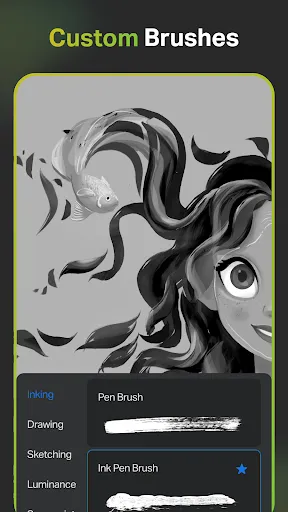
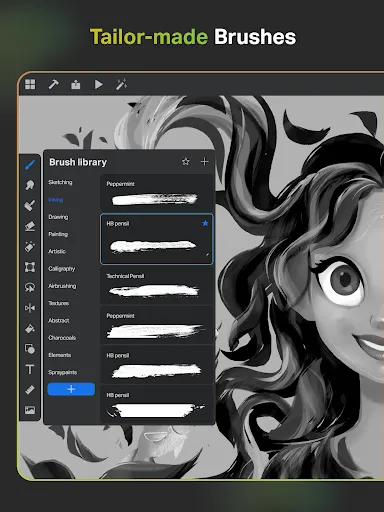
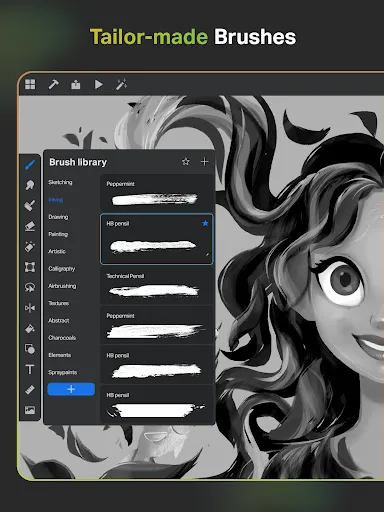
Professional Customisable Brushes for all pro digital artists -A range of pro creative brushes for sketching, painting, doodling, illustrating and professional drawings -Customisable brushes to pro create your drawings & sketches -list of favorite brushes for quick drawing, designing & painting -Free Roller Brush with 100+ patterns for professional drawing & designing
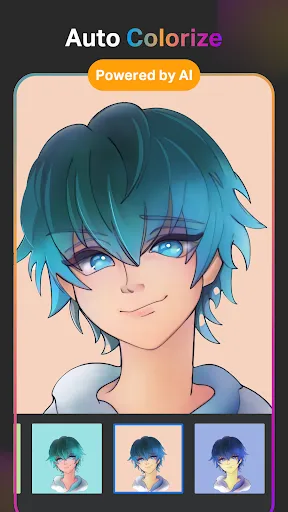
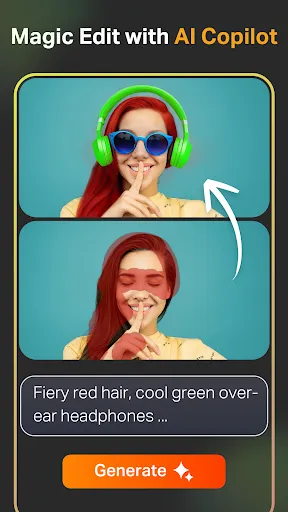
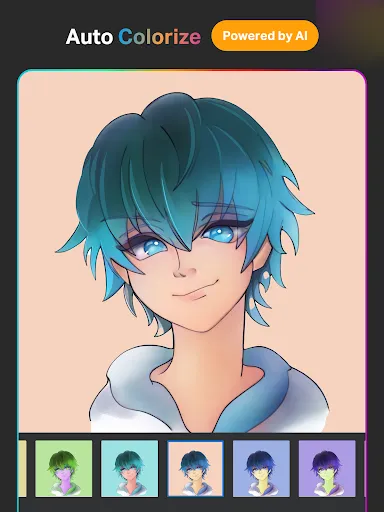
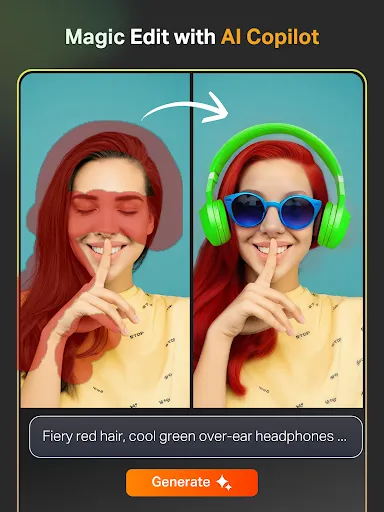
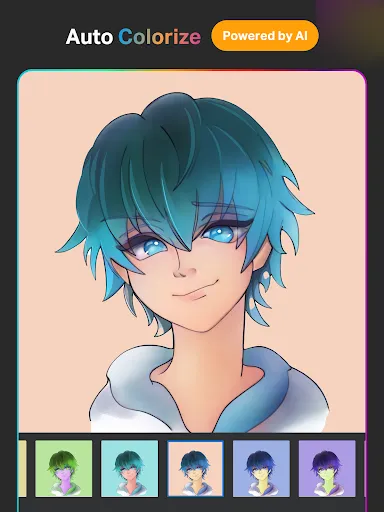
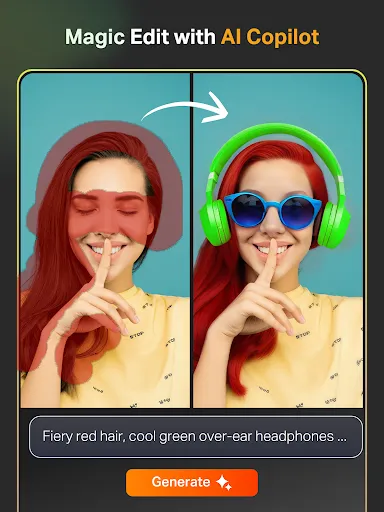
Pro Digital AI Drawing tools to accelerate your creative process -Create artwork effortlessly via Text to Image AI tool using simple prompts -Transform hand drawn sketches into images with advanced Sketch to Image AI tool using simple prompts - Revamp colors, textures & add or replace objects in your image with simple AI prompts via Magic Edit AI tool - Expand your digital canvas with AI. Seamlessly expand the artwork and fill it in with matching original content with no quality reduced to custom dimensions with expand artwork AI tool - Add color to sketches in seconds with Auto-Coloring AI tool or prompt color hints to sketches, drawings & complete coloring with Auto-Colorization AI tool -Remove objects, backgrounds in drawings with AI Object Remove and Pro BG Remove tools -Generate & extract Line art of any image and use in your drawings
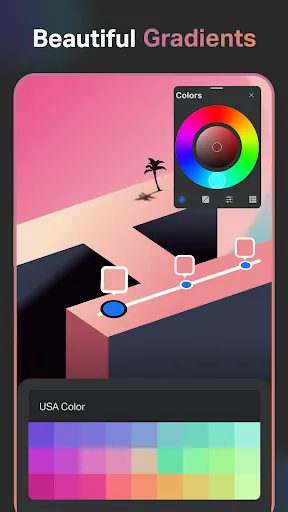
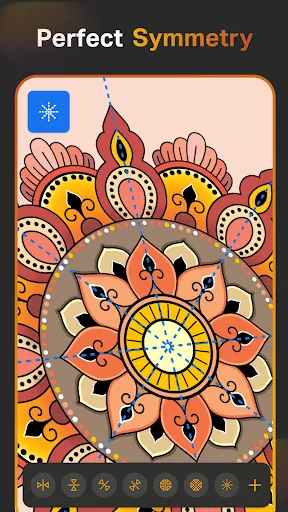
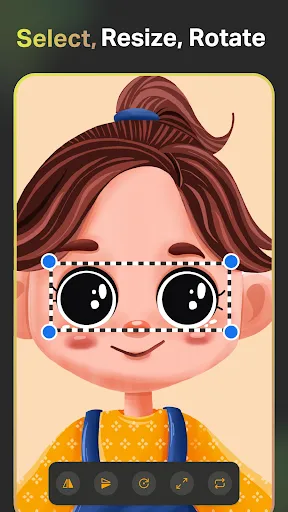
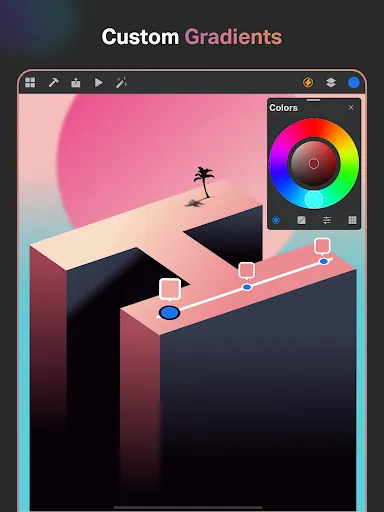
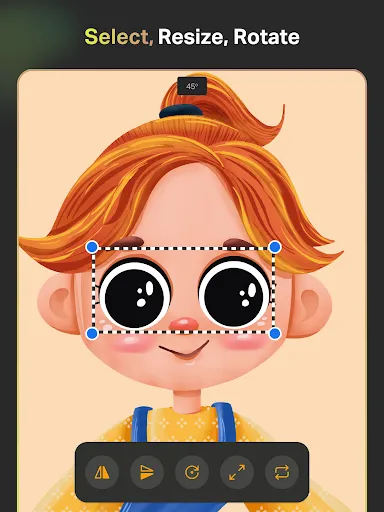
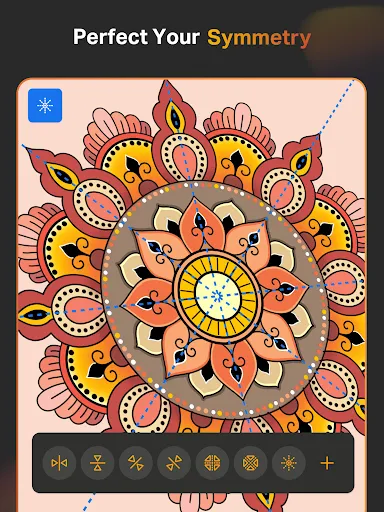
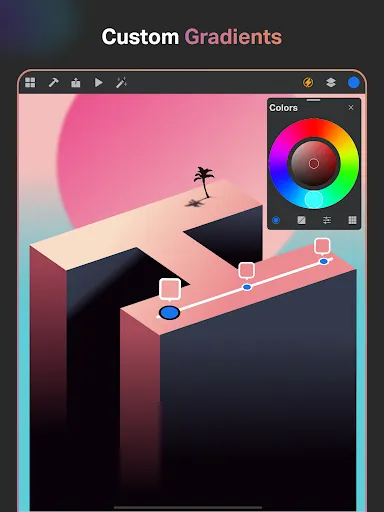
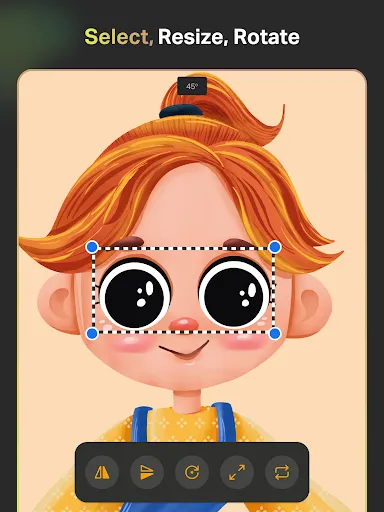
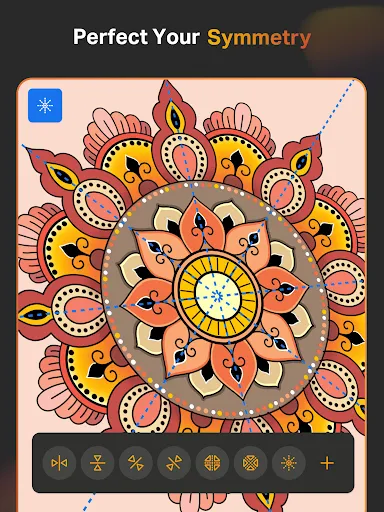
Pro creative tools to speed up drawing and designing -Smart Shapes for instant shape drawing -Free Symmetry Tool to pro create perfectly mirrored drawings, illustrations and designs -Gradient tool with Linear and Radial options to drawing and design -Layer Transform Tool for illustration drawing -Assisted Drawing
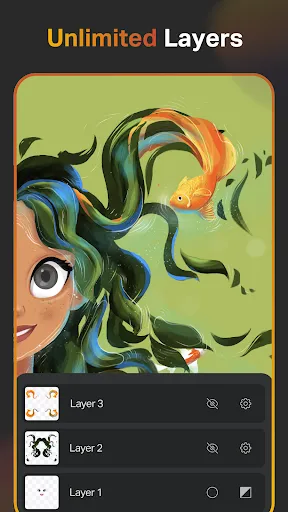
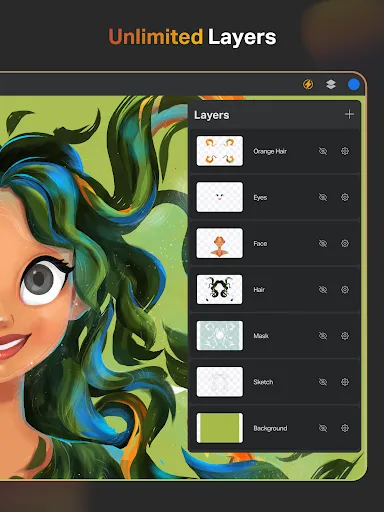
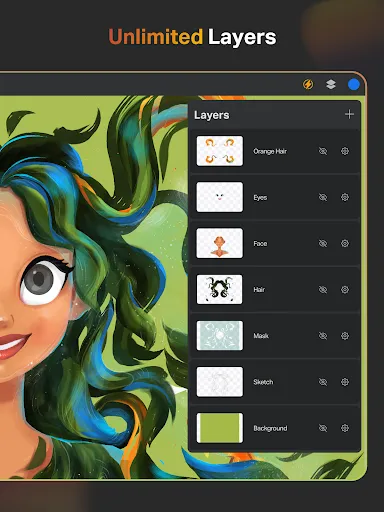
Layer System for drawing & graphic designing -Free unlimited layers for digital painting and drawing -Rasterize, Duplicate and Merge layers for designing and drawing. -Fill, Color Invert, Lock Alpha and Lock Layer options for professional drawings
Text Tools for designing & drawing - An array of Customize font style for designing & professional drawing
Color Palette for all digital artists -Full Color Wheel with adjustable color values and shades needed for professional drawing artists -Create professional themed color palettes for professional arts and designs -Import colors from photos and images
Extensive Shapes Library for designers and artists -15+ categories of free shapes, signs, and symbols to use in drawings and designers -Favorite your shapes lists to use in your drawings
Essential Tools for digital artists -Smudge Tool for quick drawing -Fill Bucket with solid colors -Cutter Tool for illustrations -Custom Canvas for all digital drawings -Reference tool to keep image references directly on the canvas for inspiration
Organize and Save Your digital artwork -Save every drawing and painting automatically -Store drawings methodically -Cloud syncing to secure and access drawings and designs anywhere -Delete drawing projects at any time -Time Lapse Playback your drawings, designs and illustrations -Dark Mode
SketchPro is perfect for professional digital artists, including graphic designers, illustrators, & comic book artists. With SketchPro, sketching, painting, designing, and professional digital art becomes an immersive and enjoyable experience From doodling and scribbling to creating professional digital illustrations art and Drawings, SketchPro empowers you to express yourself like never before. Download SketchPro Now!
Frequently asked questions
If you're an Android user and don't download the app from the official Google Play Store, you may find the installation process more complicated than usual.
But we are delighted to inform you that you don't need to worry. To ensure you could install this app smoothly, we have written and uploaded a detailed tutorial. It would guide you on installing an app after downloading it from our website step by step, with the help of pictures.
If you need further help, please do not hesitate to contact us via email [email protected].
We fully understand your concern about safety. We agree that one person wouldn't be too careful in the cyber world. Meanwhile, we are happy to tell you that one of our priorities is to provide our users with safe app files that they can use without any worries.
We guarantee that all the app files we provided originate from official and reliable sources. We promise that they do not contain any malware that will harm your hardware or the safety of your privacy.
We are glad to let you know that the vast majority of apps on our website are available for free download. Only a small selection of apps require payment, and their prices are set solely by the respective developers—we simply provide an official and secure download platform.
Rest assured, whether an app is free or paid, every download link on our site is verified and completely safe. You can download with confidence, and no account registration is needed—just click the download button and you're all set!
Recently we received a lot of emails from our users, which said they couldn't log in for different reasons, such as "forgot the user name or password" or "had a new phone." We are willing to help you out. Please read the notes below to see what we can do.
To answer this question, please first let us know which account you're referring to.
If you're referring to your account of some app, like your Facebook account or your Youtube account. Unfortunately, we would not be able to help in this case. We would suggest you turn to the customer service of this application.
If you're referring to your Appurse account, we should apologize for your confusion since there is no Appurse account. We never require registration for our service, and you will not find any procedure related to creating an account or registering on our website.
This question is essentially quite similar to the prior one. It's a pity that we are unable to help you to cancel the subscription to a third-party application directly, while we would suggest you to contact its customer service for further information.
Sorry that we are unable to help you to get a refund from a third-party application directly. If you wish to get a refund from a third-party app, we would suggest you to contact its customer service. We would be happy to provide you the way to contact them.
If you want a refund from us, we should apologize for your confusion. Our service is 100% free, and any payment information is not required.
If you run into any site that asks you to provide your payment information, be careful. Remember never reveal your payment information to any unauthorized third parties, no matter how attempting their offer may seem.
Sorry that we cannot answer this question directly, for this only aims to answer some general questions. You may find how to use a certain app by checking our review page.