


Firefox Fast & Private Browser

  • 4.58RATINGS
  • 1M+DOWNLOADS
  • EveryoneAGE
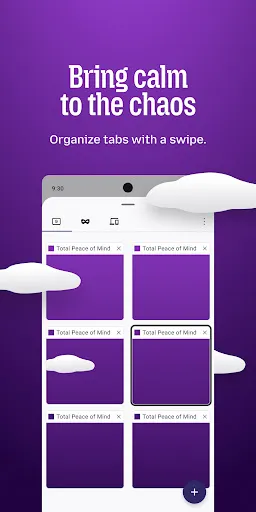
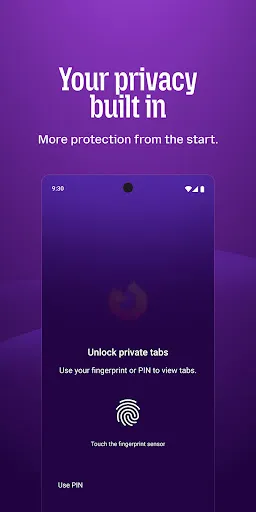
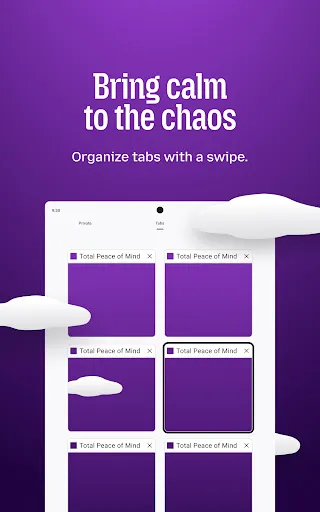
Firefox Fast & Private Browser screenshot
The internet. As it should be.

Firefox is a fast, private browser built to protect you by default. It blocks common trackers automatically, helps keep your data secure, and lets you browse with more peace of mind—without extra setup or constant decisions.

Why people choose Firefox:
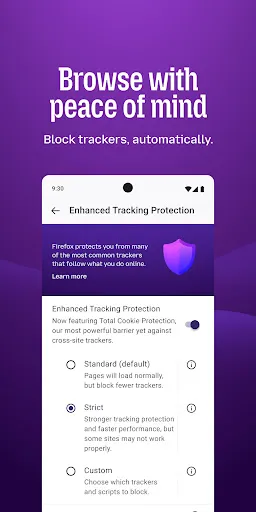
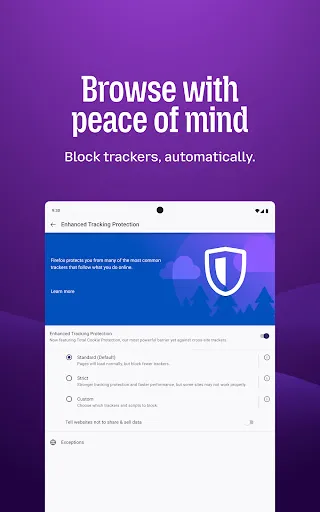
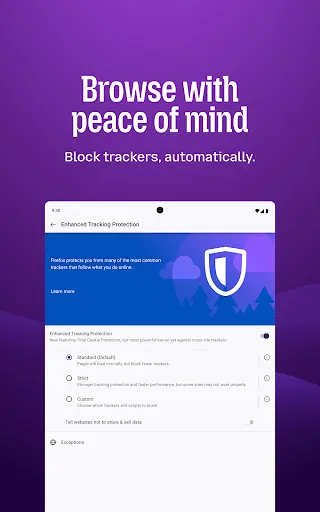
✔ Enhanced Tracking Protection – Blocks trackers by default to help stop companies from following you across the web.
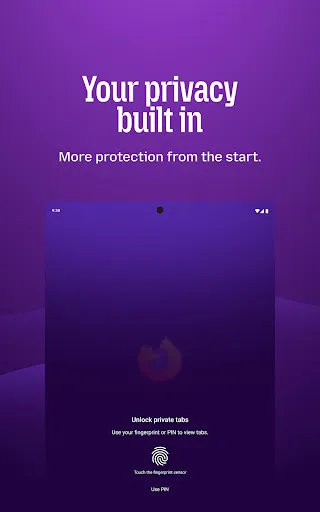
✔ Private browsing mode – Browse without saving your history, searches, or cookies. Private tabs lock automatically when you step away.
✔ Total Cookie Protection – Keeps tracking cookies limited to the site that created them, making cross-site tracking harder.
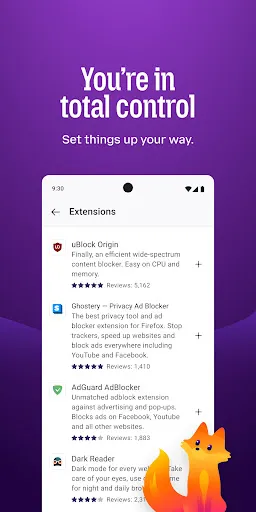
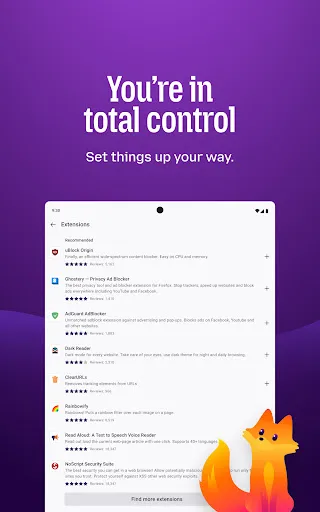
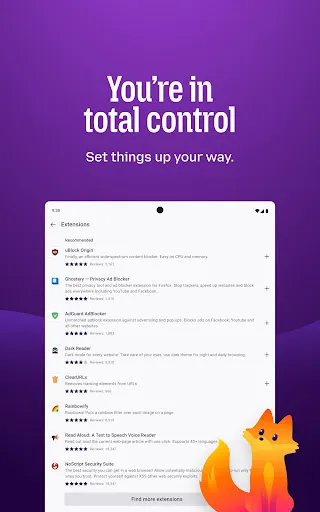
✔ Extensions – Add supported extensions like ad blockers and privacy tools to customize how you browse.
✔ Built-in password manager – Generate strong passwords, save them securely, and autofill logins when you need them.
✔ Flexible search options – Choose your default search engine or switch search engines right from the search bar.
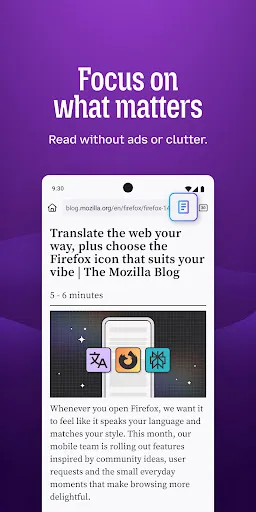
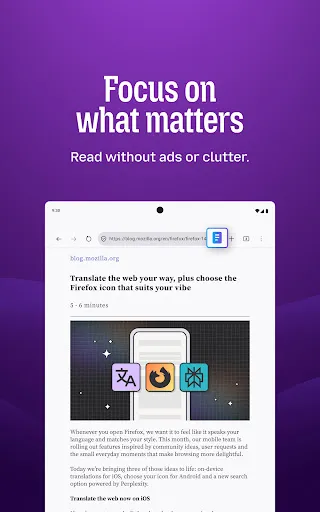
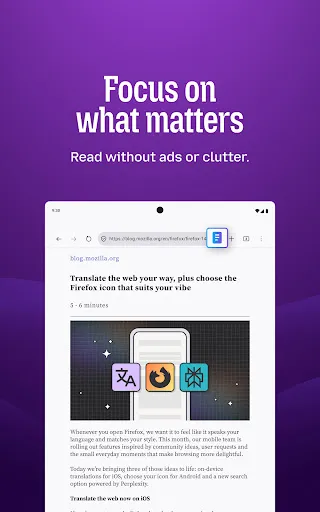
✔ Reader Mode – Remove ads and clutter from articles so you can focus on what you're reading.
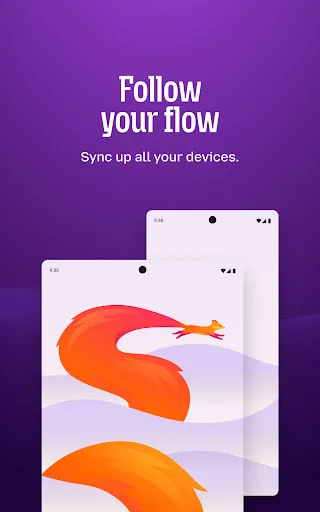
✔ Sync across devices – Pick up where you left off with synced tabs, bookmarks, and passwords when you sign in to your Mozilla account.

Private by default
Firefox is designed with privacy built in from the moment you start browsing. Enhanced Tracking Protection automatically blocks common background trackers, including social media trackers, crypto miners, and fingerprinters. Total Cookie Protection keeps your activity separated by site, making it harder for companies to build a profile of your browsing habits.

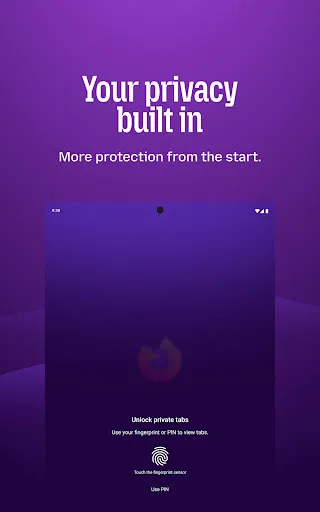
When you want extra privacy, private browsing mode doesn't save your history, searches, or cookies. Private tabs lock automatically when you navigate away and require your fingerprint, PIN, or device security to unlock—helping keep what you're doing private if someone else uses your phone.

Focus on what matters
The web can be distracting. Firefox is designed to help you stay focused without making you manage everything yourself. Reader Mode clears clutter from articles, and picture-in-picture keeps videos visible while you multitask—without pulling focus from what you're doing.

Browse your way
Customize Firefox to fit how you browse. Personalize your home screen with wallpapers and layout options, add extensions like ad blockers and privacy tools, and choose your preferred search engine instead of being pushed into a single ecosystem.

You can move the search bar to the top or bottom of the screen for easier one-handed browsing. Sign in to your Mozilla account to sync tabs, bookmarks, passwords, and browsing history across devices, so switching feels seamless.

Built for people, not profit
Firefox was created in 2004 by Mozilla as a faster, more private, and more customizable alternative to other browsers. Today, Mozilla remains a nonprofit and continues working to make the internet — and the time you spend on it — better.

Learn more about Mozilla: https://www.mozilla.org
Terms of Use: https://www.mozilla.org/about/legal/terms/firefox/
Privacy Policy: https://www.mozilla.org/privacy/firefox
Latest news: https://blog.mozilla.org

Frequently asked questions

If you're an Android user and don't download the app from the official Google Play Store, you may find the installation process more complicated than usual.

But we are delighted to inform you that you don't need to worry. To ensure you could install this app smoothly, we have written and uploaded a detailed tutorial. It would guide you on installing an app after downloading it from our website step by step, with the help of pictures.

You may find this helpful article on the downloading site, or visit How to install APK/XAPK files on Android.

If you need further help, please do not hesitate to contact us via email [email protected].

We fully understand your concern about safety. We agree that one person wouldn't be too careful in the cyber world. Meanwhile, we are happy to tell you that one of our priorities is to provide our users with safe app files that they can use without any worries.

We guarantee that all the app files we provided originate from official and reliable sources. We promise that they do not contain any malware that will harm your hardware or the safety of your privacy.

We are glad to let you know that the vast majority of apps on our website are available for free download. Only a small selection of apps require payment, and their prices are set solely by the respective developers—we simply provide an official and secure download platform.

Rest assured, whether an app is free or paid, every download link on our site is verified and completely safe. You can download with confidence, and no account registration is needed—just click the download button and you're all set!

Recently we received a lot of emails from our users, which said they couldn't log in for different reasons, such as "forgot the user name or password" or "had a new phone." We are willing to help you out. Please read the notes below to see what we can do.

To answer this question, please first let us know which account you're referring to.

If you're referring to your account of some app, like your Facebook account or your Youtube account. Unfortunately, we would not be able to help in this case. We would suggest you turn to the customer service of this application.

If you're referring to your Appurse account, we should apologize for your confusion since there is no Appurse account. We never require registration for our service, and you will not find any procedure related to creating an account or registering on our website.

This question is essentially quite similar to the prior one. It's a pity that we are unable to help you to cancel the subscription to a third-party application directly, while we would suggest you to contact its customer service for further information.

Sorry that we are unable to help you to get a refund from a third-party application directly. If you wish to get a refund from a third-party app, we would suggest you to contact its customer service. We would be happy to provide you the way to contact them.

If you want a refund from us, we should apologize for your confusion. Our service is 100% free, and any payment information is not required.

If you run into any site that asks you to provide your payment information, be careful. Remember never reveal your payment information to any unauthorized third parties, no matter how attempting their offer may seem.

Sorry that we cannot answer this question directly, for this only aims to answer some general questions. You may find how to use a certain app by checking our review page.