Microsoft Teams

  • 4.62RATINGS
  • 1M+DOWNLOADS
  • EveryoneAGE
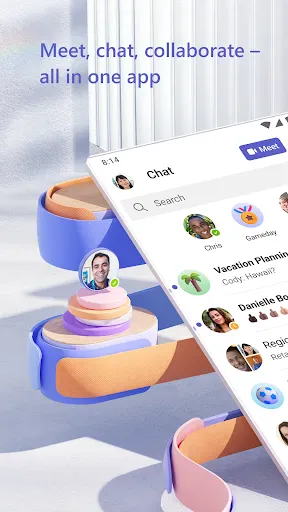
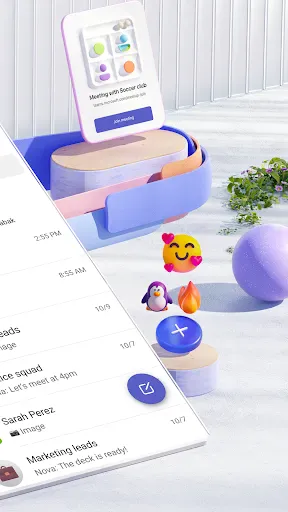
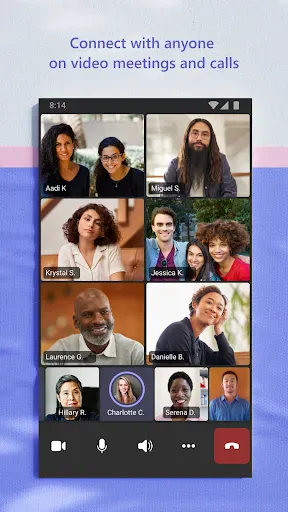
Microsoft Teams screenshot
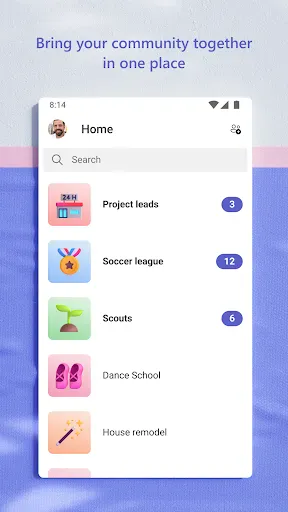
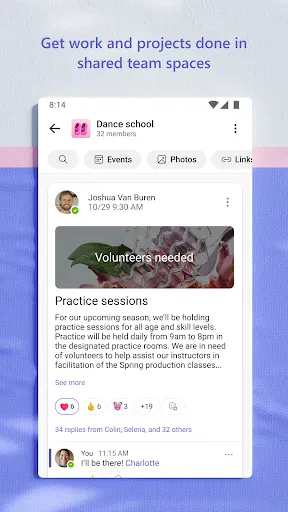
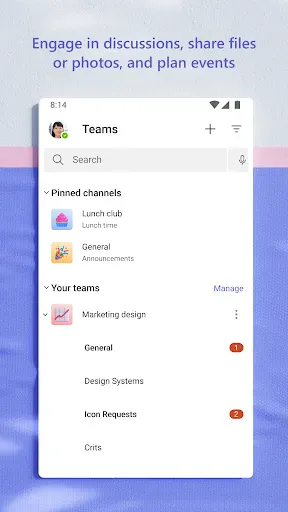
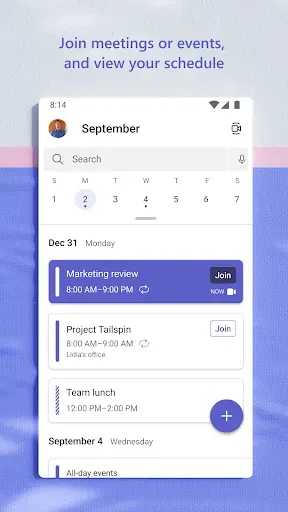
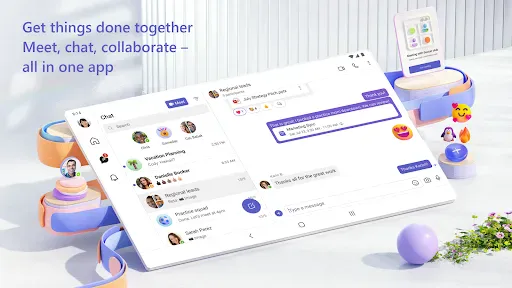
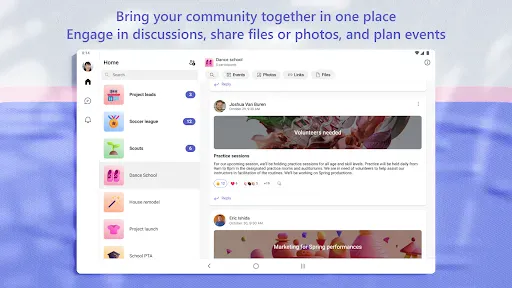
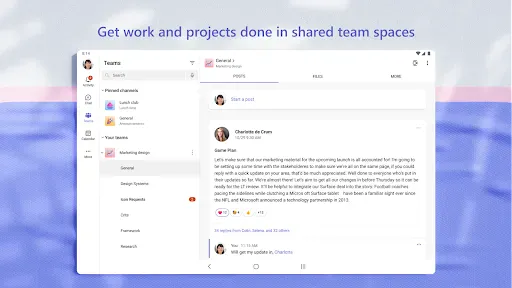
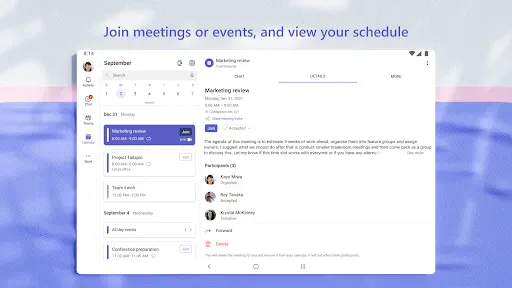
Whether you’re connecting with your community for an upcoming activity or working with teammates on a project, Microsoft Teams helps bring people together so that they can get things done. It’s the only app that has communities, events, chats, channels, meetings, storage, tasks, and calendars in one place—so you can easily connect and manage access to information. Get your community, family, friends, or work mates together to accomplish tasks, share ideas, and make plans. Join audio and video calls in a secure setting, collaborate in documents, and store files and photos with built-in cloud storage. You can do it all in Microsoft Teams.

Easily connect with anyone:
• Skype is now part of Teams. Continue where you left off with your chats, calls and contacts in Microsoft Teams Free.
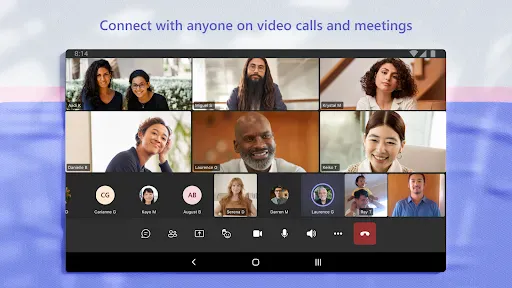
• Meet securely with communities, teammates, family, or friends.
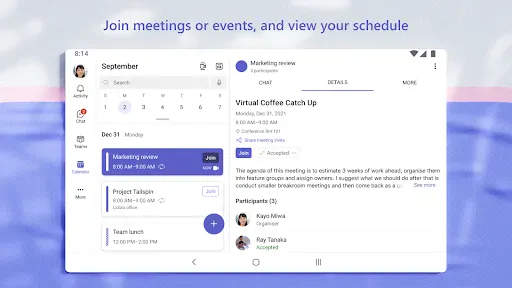
• Set up a meeting within seconds and invite anyone by sharing a link or calendar invite.
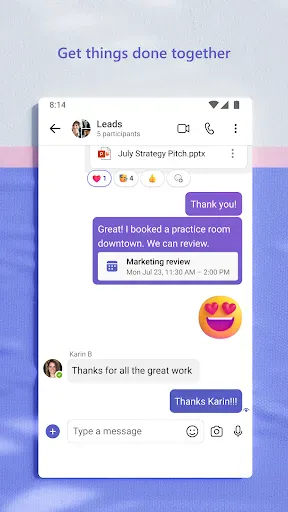
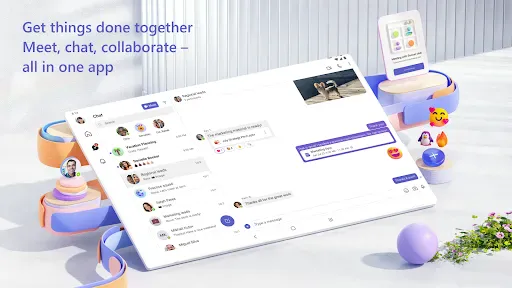
• Chat 1-1 or to your entire community, @mention people in chats to get their attention.
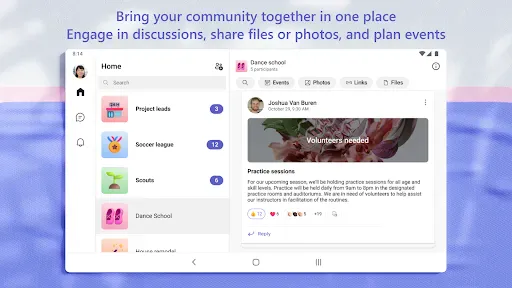
• Create a dedicated community to discuss specific topics and make plans*.
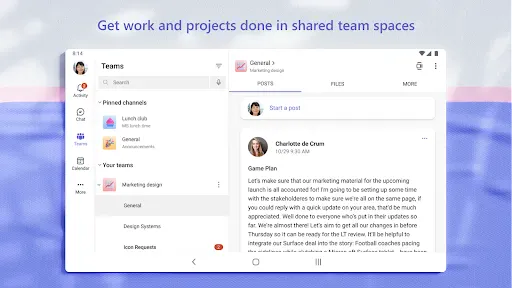
• Work closely and collaborate by keeping conversations organized by specific topics and projects with teams and channels.
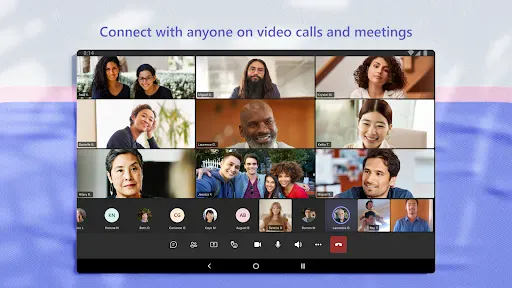
• Video or audio call anyone directly in Teams or instantly convert a group chat to a call.
• Use GIFs, emojis, and message animations to express yourself when words aren’t enough.

Accomplish plans and projects together:
• Send photos and videos in chats to quickly and easily share important moments.
• Use cloud storage to access shared documents and files on the go.
• Organize shared content in a community — events, photos, links, files —so you don’t have to waste time searching*.
• Get the most out of your meetings by using screenshare, whiteboard, or breakout in virtual rooms.
• Manage access to information and ensure the right people have access to the right info, even when people join and leave projects.
• Use task lists to stay on top of projects and plans - assign tasks, set due dates, and cross off items to keep everyone on the same page.

Designed to give you peace of mind:
• Securely collaborate with others while maintaining control over your data.
• Keep communities safe by allowing owners to remove inappropriate content or members*.
• Enterprise-level security and compliance you expect from Microsoft 365**.

*Available when using Microsoft Teams with your Microsoft account.

**Commercial features of this app require a paid Microsoft 365 commercial subscription or a trial subscription of Microsoft Teams for work. If you’re not sure about your company’s subscription or the services you have access to, visit Office.com/Teams to learn more or contact your IT department.

By downloading Teams, you agree to the license (see aka.ms/eulateamsmobile) and privacy terms (see aka.ms/privacy). For support or feedback, email us at [email protected]. EU Contract Summary: aka.ms/EUContractSummary

Consumer Health Data Privacy Policy   
https://go.microsoft.com/fwlink/?linkid=2259814

Frequently asked questions

If you're an Android user and don't download the app from the official Google Play Store, you may find the installation process more complicated than usual.

But we are delighted to inform you that you don't need to worry. To ensure you could install this app smoothly, we have written and uploaded a detailed tutorial. It would guide you on installing an app after downloading it from our website step by step, with the help of pictures.

You may find this helpful article on the downloading site, or visit How to install APK/XAPK files on Android.

If you need further help, please do not hesitate to contact us via email [email protected].

We fully understand your concern about safety. We agree that one person wouldn't be too careful in the cyber world. Meanwhile, we are happy to tell you that one of our priorities is to provide our users with safe app files that they can use without any worries.

We guarantee that all the app files we provided originate from official and reliable sources. We promise that they do not contain any malware that will harm your hardware or the safety of your privacy.

We are glad to let you know that the vast majority of apps on our website are available for free download. Only a small selection of apps require payment, and their prices are set solely by the respective developers—we simply provide an official and secure download platform.

Rest assured, whether an app is free or paid, every download link on our site is verified and completely safe. You can download with confidence, and no account registration is needed—just click the download button and you're all set!

Recently we received a lot of emails from our users, which said they couldn't log in for different reasons, such as "forgot the user name or password" or "had a new phone." We are willing to help you out. Please read the notes below to see what we can do.

To answer this question, please first let us know which account you're referring to.

If you're referring to your account of some app, like your Facebook account or your Youtube account. Unfortunately, we would not be able to help in this case. We would suggest you turn to the customer service of this application.

If you're referring to your Appurse account, we should apologize for your confusion since there is no Appurse account. We never require registration for our service, and you will not find any procedure related to creating an account or registering on our website.

This question is essentially quite similar to the prior one. It's a pity that we are unable to help you to cancel the subscription to a third-party application directly, while we would suggest you to contact its customer service for further information.

Sorry that we are unable to help you to get a refund from a third-party application directly. If you wish to get a refund from a third-party app, we would suggest you to contact its customer service. We would be happy to provide you the way to contact them.

If you want a refund from us, we should apologize for your confusion. Our service is 100% free, and any payment information is not required.

If you run into any site that asks you to provide your payment information, be careful. Remember never reveal your payment information to any unauthorized third parties, no matter how attempting their offer may seem.

Sorry that we cannot answer this question directly, for this only aims to answer some general questions. You may find how to use a certain app by checking our review page.