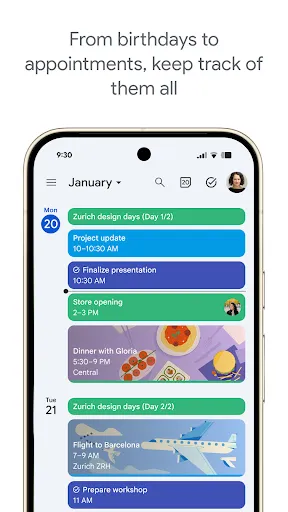
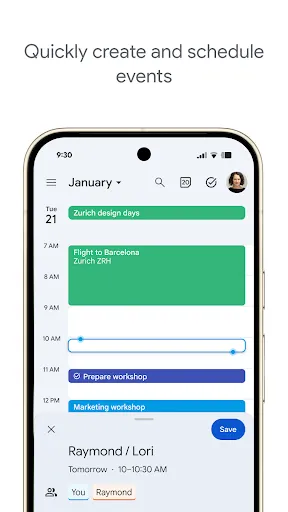
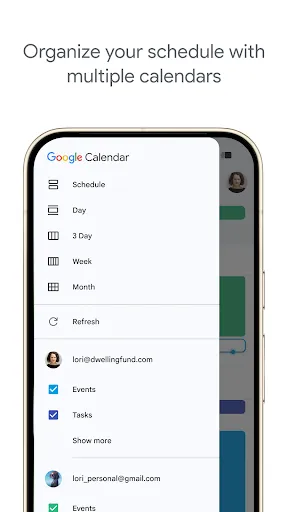
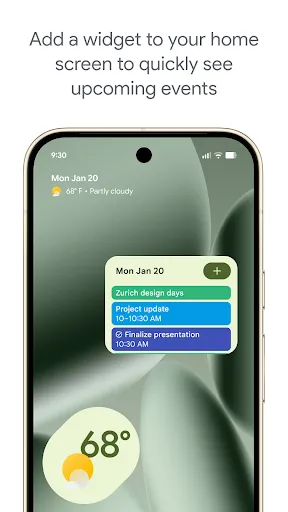
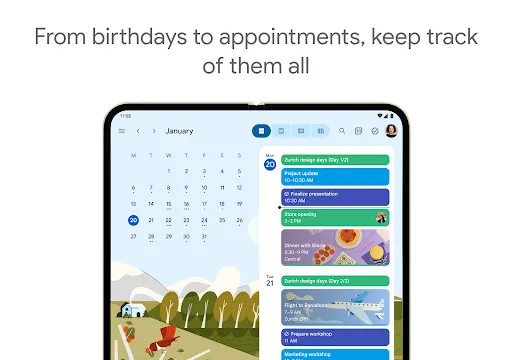
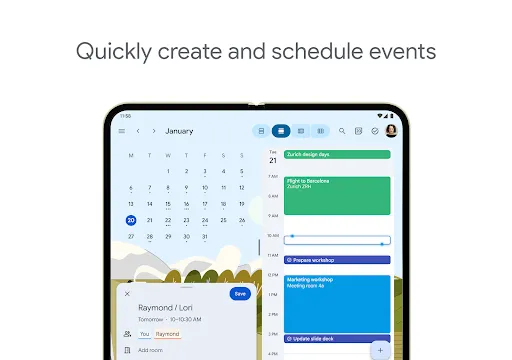
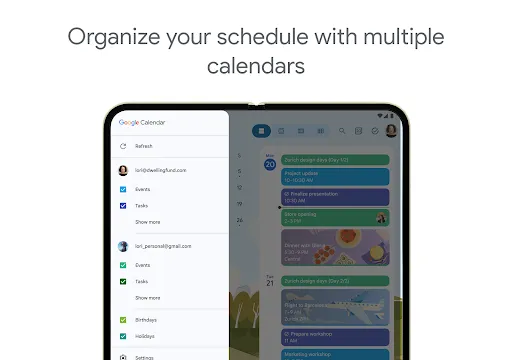
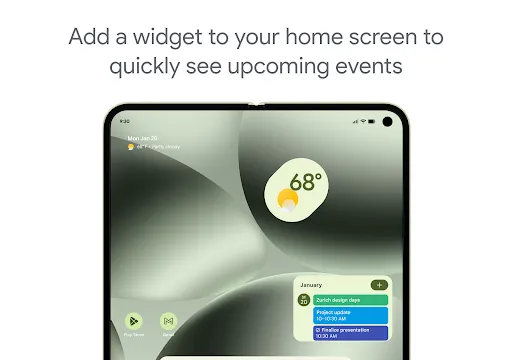
Get the official Google Calendar app, for your Android phone, tablet, or Wear OS device to stay organized and plan your day. Make the most of your day with easy event creation, multiple calendars, customizable views, widgets, tasks, and more
With Google Calendar, you can:
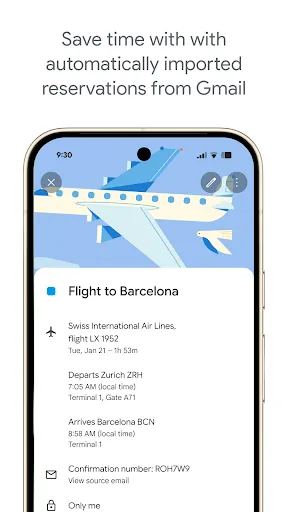
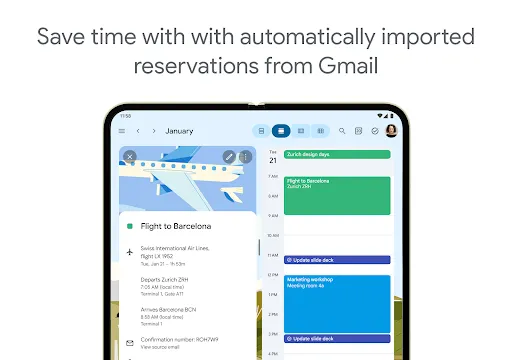
• Get events automatically added to your Calendar from Gmail, including flight, hotel, concert, and restaurant reservations.
• Go from using Calendar on your Android phone, tablet, or Wear OS device to your computer without missing a beat when you’re logged into the same Google account.
• Consolidate and view Google Calendar events side-by-side with other calendars on your device, including Exchange.
• Keep family, friends, and colleagues in the loop with shared calendars, so they can view, add, or modify events.
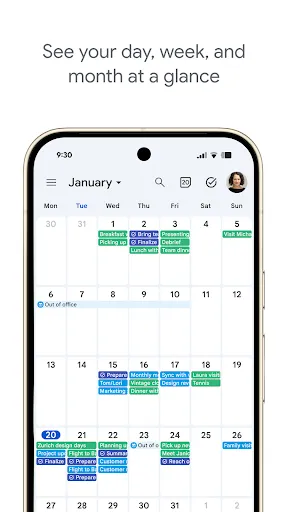
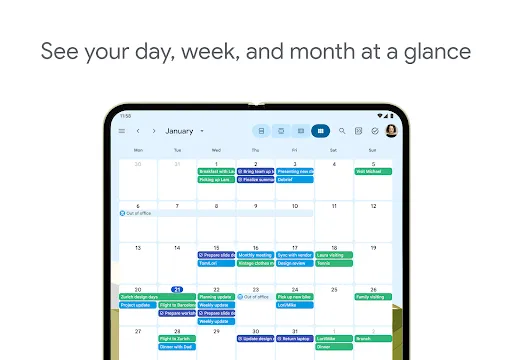
• Quickly switch between month, week, and day views.
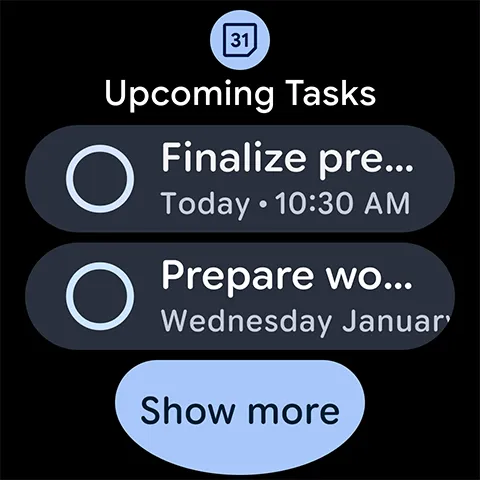
• Stay on top of to-dos by creating and managing tasks alongside your events in Calendar.
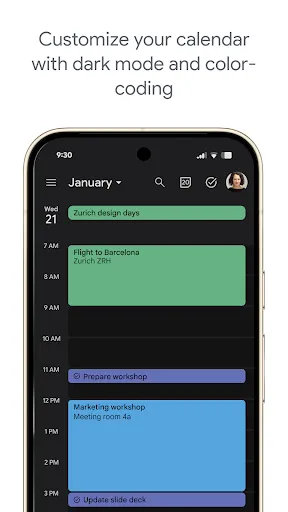
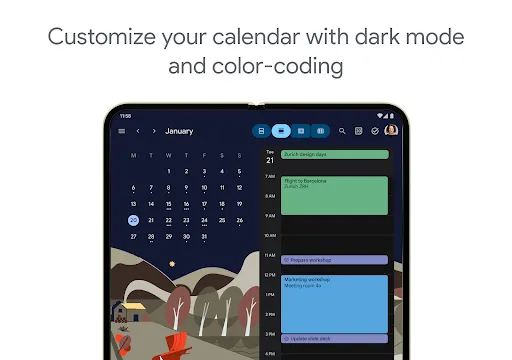
• Personalize your Google Calendar with light or dark mode or by color-coding your events.
• Access and organize your task lists in a full-screen view right from the Google Calendar app.
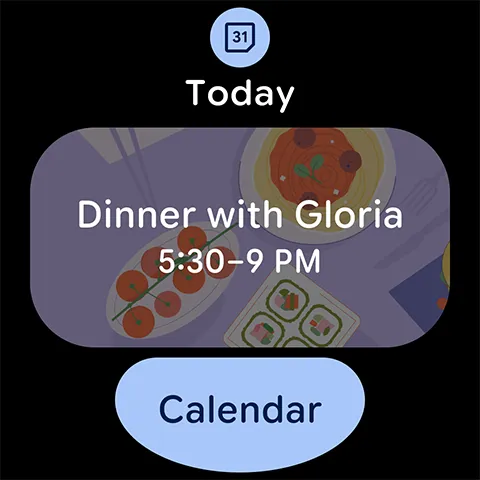
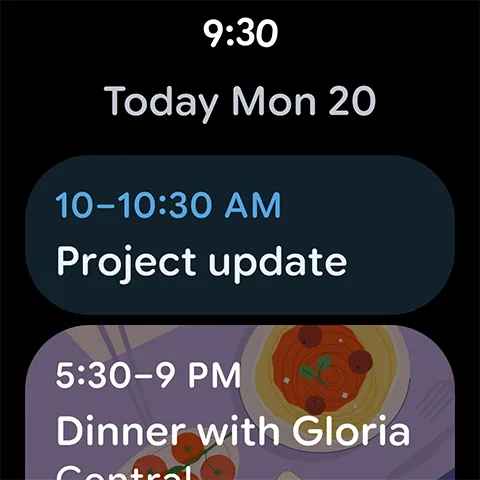
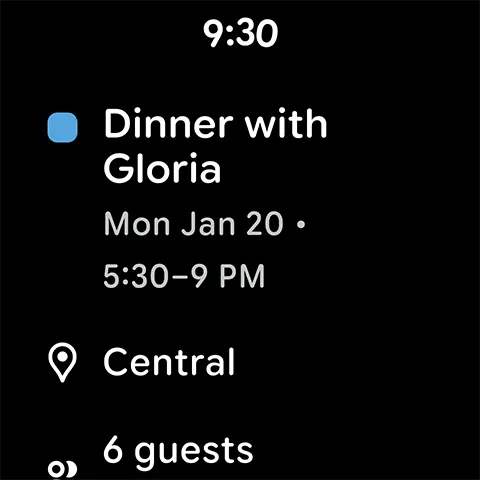
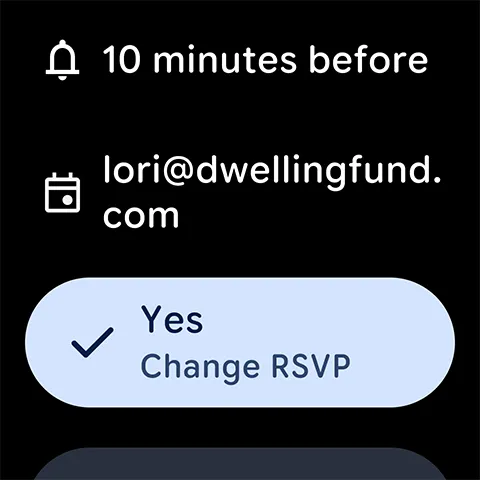
• Keep track of events or tasks while on the go with Google Calendar on Wear OS devices, which supports tiles and complications.
Google Calendar is part of Google Workspace, allowing you and your team to easily connect, create, and collaborate across all your favorite Google tools. You can:
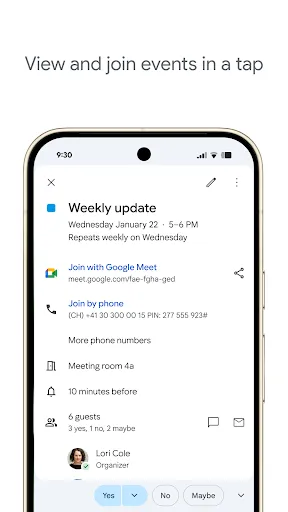
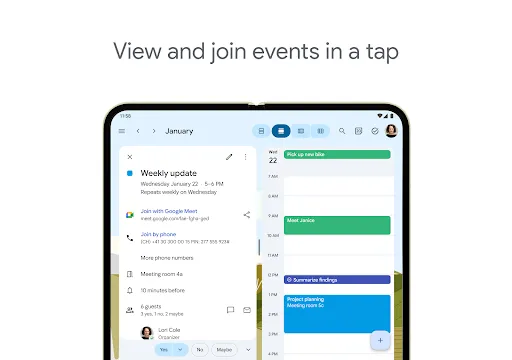
• Collaborate in a hybrid work environment by adding a Google Meet video call to an Calendar event
• Get access to professional booking pages to easily book clients and customers*.
• Schedule meetings with teammates by checking their availability or layering their calendars in a single view
• Add your working location to your calendar to make it easier for your teammates to schedule meetings with you*.
• Keep everyone on track for a meeting by attaching meeting notes, pre-read materials, and other documents directly to a calendar event.
• Use Google Calendar with confidence knowing it’s supported by Google’s enterprise-level privacy, user safety and data security.
Learn more about Google Workspace: https://workspace.google.com/products/calendar/
Follow us for more:
X: https://x.com/googleworkspace
LinkedIn: https://www.linkedin.com/showcase/googleworkspace
Facebook: https://www.facebook.com/googleworkspace/