Adobe Acrobat Reader: Edit PDF

  • 4.45RATINGS
  • 10M+DOWNLOADS
  • EveryoneAGE
Adobe Acrobat Reader: Edit PDF screenshot

Major new update

Major new updates: Collaborate and share your files in PDF Spaces, turn your document summaries into podcast-style audio, and create standout content in Acrobat Reader with design tools powered by Adobe Express.

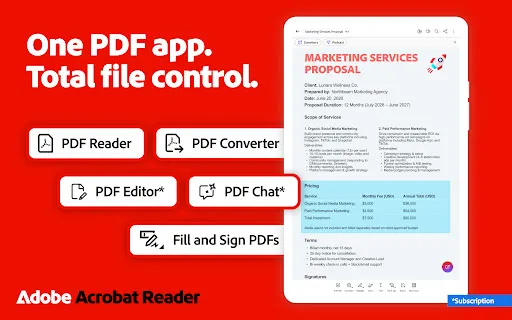
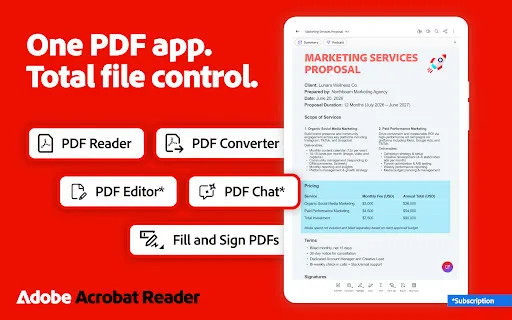
The world’s most trusted PDF reader, PDF editor, and PDF maker with more than 635 million installs. View, share, annotate, add comments, and sign documents - all in one app. You can store your files online and read documents anywhere.

Get your 7-day free trial and try all the features of Acrobat Reader.

Paid features

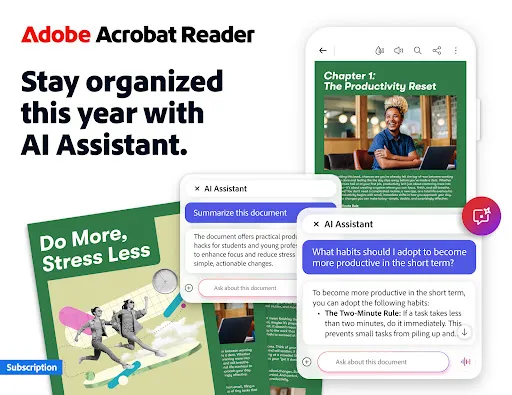
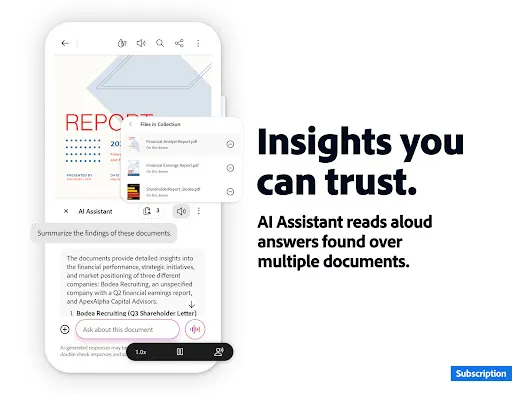
Adobe Acrobat AI Assistant
• Work across multiple files in one place with PDF Spaces. Collaborate, store, and use AI Assistant across files
• Use voice or text prompts with AI Assistant chatbot
• Ask questions and get cited answers about details in your document, including charts, graphs, and tables with Figures Q&A
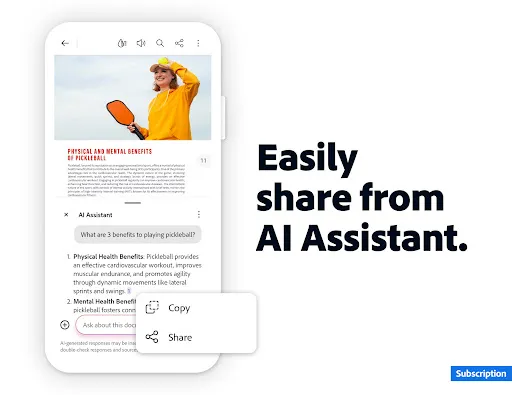
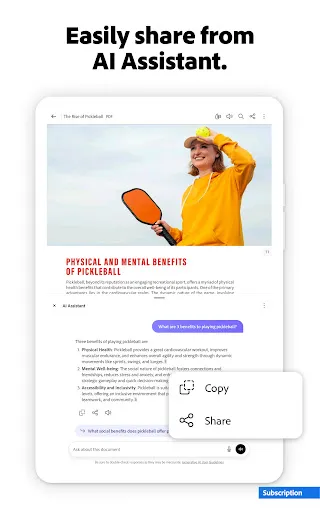
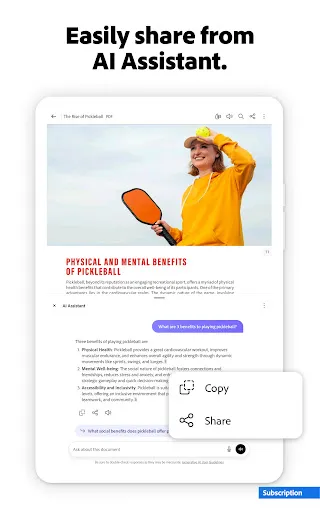
• Easily share the responses you get
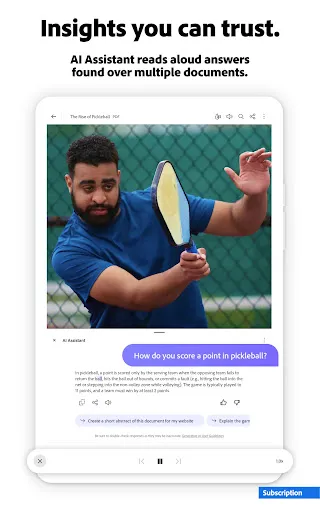
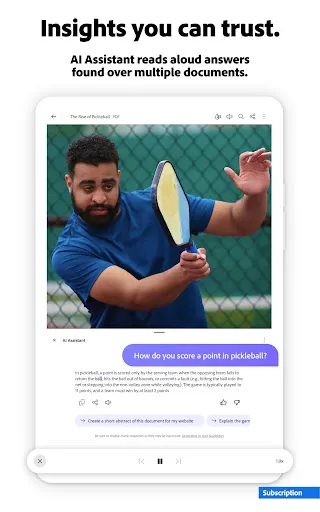
• Try voice support to ask queries and have answers read aloud.
• Instantly generate summaries from your PDFs with Generative AI Summaries
• Get content for emails, text, study notes, blogs, and more

[Adobe Acrobat AI Assistant is a paid feature*, free for a limited time]

Edit PDFs
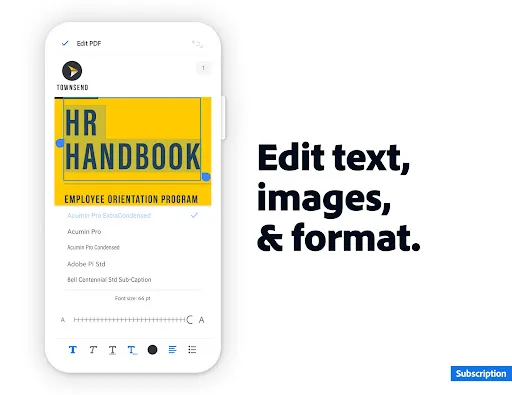
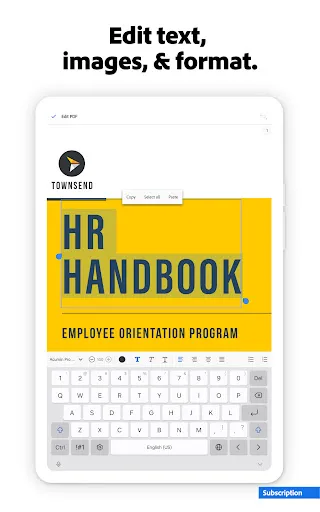
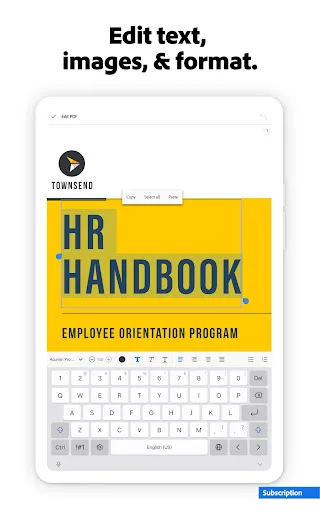
• With our PDF editor, edit text and images directly in your PDF (mobile only)
• Fix typos or add paragraphs with the PDF editor
• Easily add, delete, or rotate any image
• Use this PDF signer and PDF viewer to get your docs just right

Recognize text
• Optical Character Recognition (OCR) turns scanned PDFs into searchable, editable text to use in other formats

Merge & organize PDFs with PDF converter
• Split or combine multiple files into one PDF with PDF converter
• Use the PDF editor to insert, delete, rotate, crop & reorder pages in your PDF file

Create, convert & export PDFs
• Easily convert to PDF from any file type including Microsoft, Google Docs, and images
• Export and convert PDFs to Microsoft Word, Excel, PowerPoint, or various image files
• Convert web pages to PDFs

Compress & highly secure PDFs
• Compress PDF files for easy saving and sharing
• Password Protect PDF documents

Have your PDF read aloud
• Listen to your PDFs on the go, great for reading support
• Choose free voices or upgrade for high-quality options

Subscribe now to access all these features and use Acrobat across mobile and web platforms.

Free-to-use features

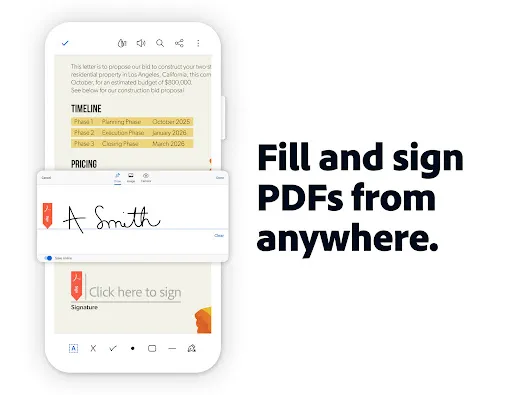
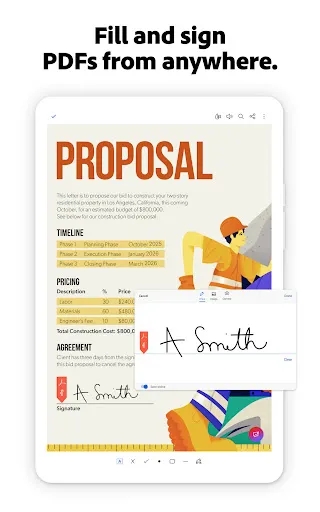
PDF signer: Fill & Sign
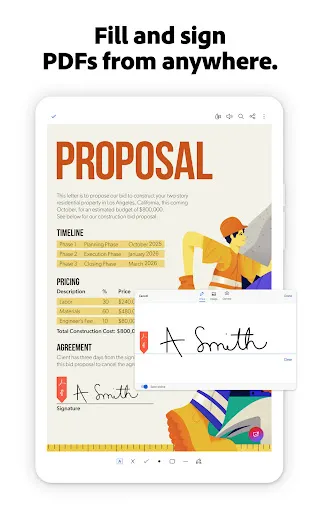
Adobe Fill & Sign is free & available in Acrobat Reader. A form filler and PDF signer that lets you fill, sign, and send

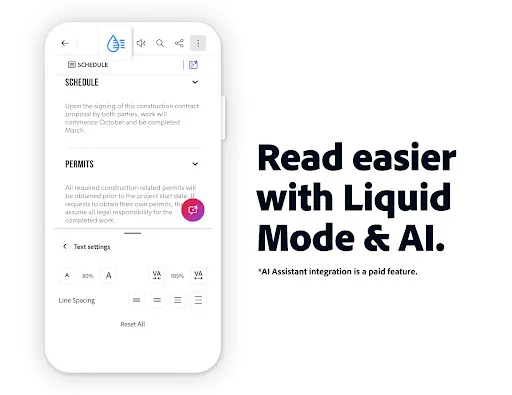
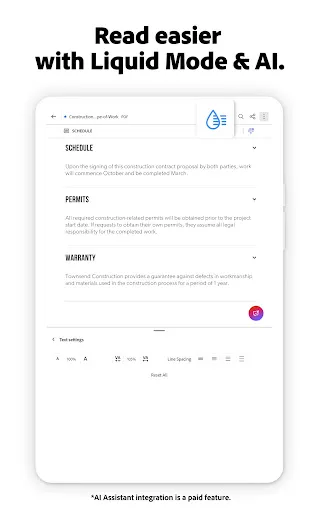
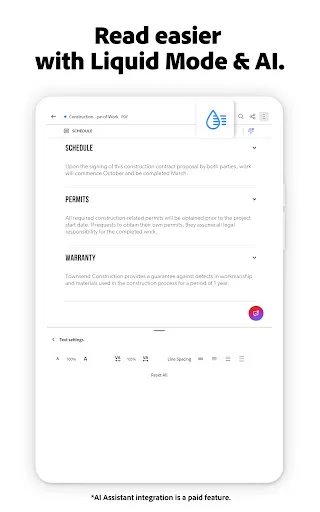
Liquid mode for optimal PDF viewing
• Get the best PDF reading experience with this PDF viewer
• Search, navigate & adjust font size or spacing to fit your screen

Annotate PDFs
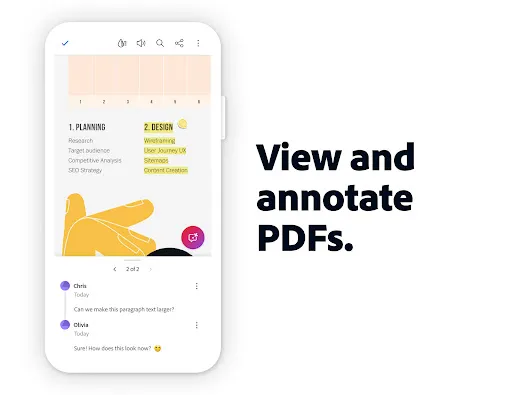
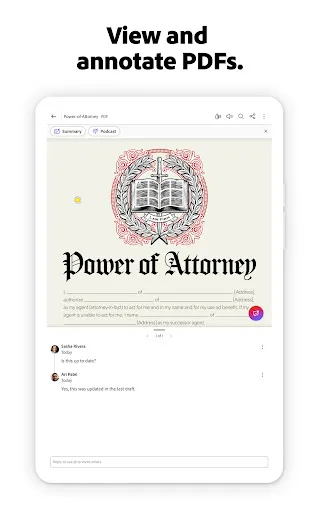
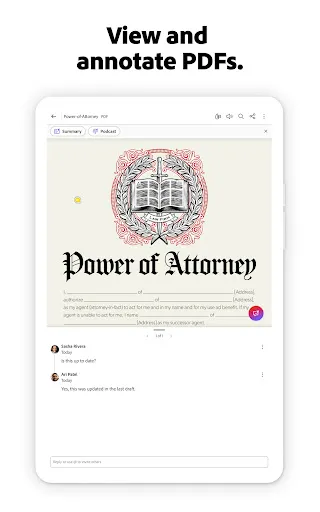
• Add sticky notes, comments, and highlight text

Store & manage files
• Link online storage accounts like Microsoft OneDrive, Dropbox, or Google Drive
• Star files to quickly open important documents

Connect the PDF viewer and reader to Google Drive
• A PDF creator that lets you edit, compress, and export Google Drive files with a subscription

Work with scanned documents
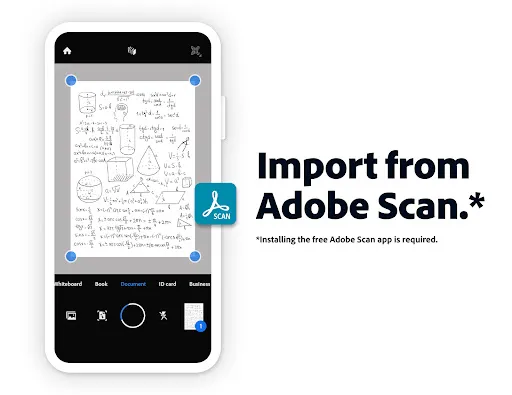
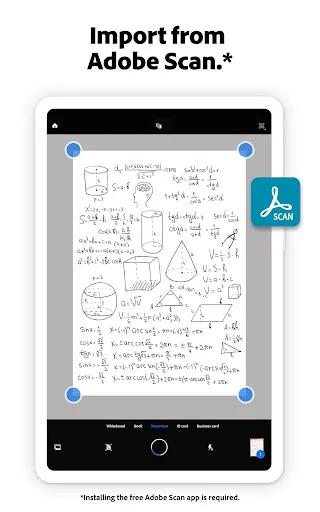
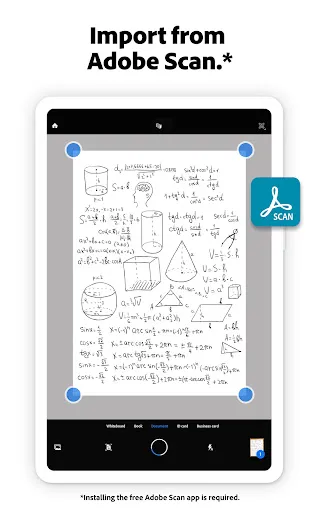
• Access scanned PDFs from Adobe Scan in Acrobat to fill, sign, and share

The Acrobat Reader mobile app is designed to work with customers who have Enterprise Mobility Management (EMM) enabled.

An Adobe Acrobat AI Assistant add-on plan is available to Acrobat Individual customers.

Terms & Conditions:
Your use of this application is governed by the Adobe General Terms of Use http://www.adobe.com/go/terms_en and the Adobe Privacy Policy http://www.adobe.com/go/privacy_policy_en

Do not sell or share my personal information www.adobe.com/go/ca-rights

Frequently asked questions

If you're an Android user and don't download the app from the official Google Play Store, you may find the installation process more complicated than usual.

But we are delighted to inform you that you don't need to worry. To ensure you could install this app smoothly, we have written and uploaded a detailed tutorial. It would guide you on installing an app after downloading it from our website step by step, with the help of pictures.

You may find this helpful article on the downloading site, or visit How to install APK/XAPK files on Android.

If you need further help, please do not hesitate to contact us via email [email protected].

We fully understand your concern about safety. We agree that one person wouldn't be too careful in the cyber world. Meanwhile, we are happy to tell you that one of our priorities is to provide our users with safe app files that they can use without any worries.

We guarantee that all the app files we provided originate from official and reliable sources. We promise that they do not contain any malware that will harm your hardware or the safety of your privacy.

We are glad to let you know that the vast majority of apps on our website are available for free download. Only a small selection of apps require payment, and their prices are set solely by the respective developers—we simply provide an official and secure download platform.

Rest assured, whether an app is free or paid, every download link on our site is verified and completely safe. You can download with confidence, and no account registration is needed—just click the download button and you're all set!

Recently we received a lot of emails from our users, which said they couldn't log in for different reasons, such as "forgot the user name or password" or "had a new phone." We are willing to help you out. Please read the notes below to see what we can do.

To answer this question, please first let us know which account you're referring to.

If you're referring to your account of some app, like your Facebook account or your Youtube account. Unfortunately, we would not be able to help in this case. We would suggest you turn to the customer service of this application.

If you're referring to your Appurse account, we should apologize for your confusion since there is no Appurse account. We never require registration for our service, and you will not find any procedure related to creating an account or registering on our website.

This question is essentially quite similar to the prior one. It's a pity that we are unable to help you to cancel the subscription to a third-party application directly, while we would suggest you to contact its customer service for further information.

Sorry that we are unable to help you to get a refund from a third-party application directly. If you wish to get a refund from a third-party app, we would suggest you to contact its customer service. We would be happy to provide you the way to contact them.

If you want a refund from us, we should apologize for your confusion. Our service is 100% free, and any payment information is not required.

If you run into any site that asks you to provide your payment information, be careful. Remember never reveal your payment information to any unauthorized third parties, no matter how attempting their offer may seem.

Sorry that we cannot answer this question directly, for this only aims to answer some general questions. You may find how to use a certain app by checking our review page.